myteo

Schedule

The app proposes the schedule, you publish it

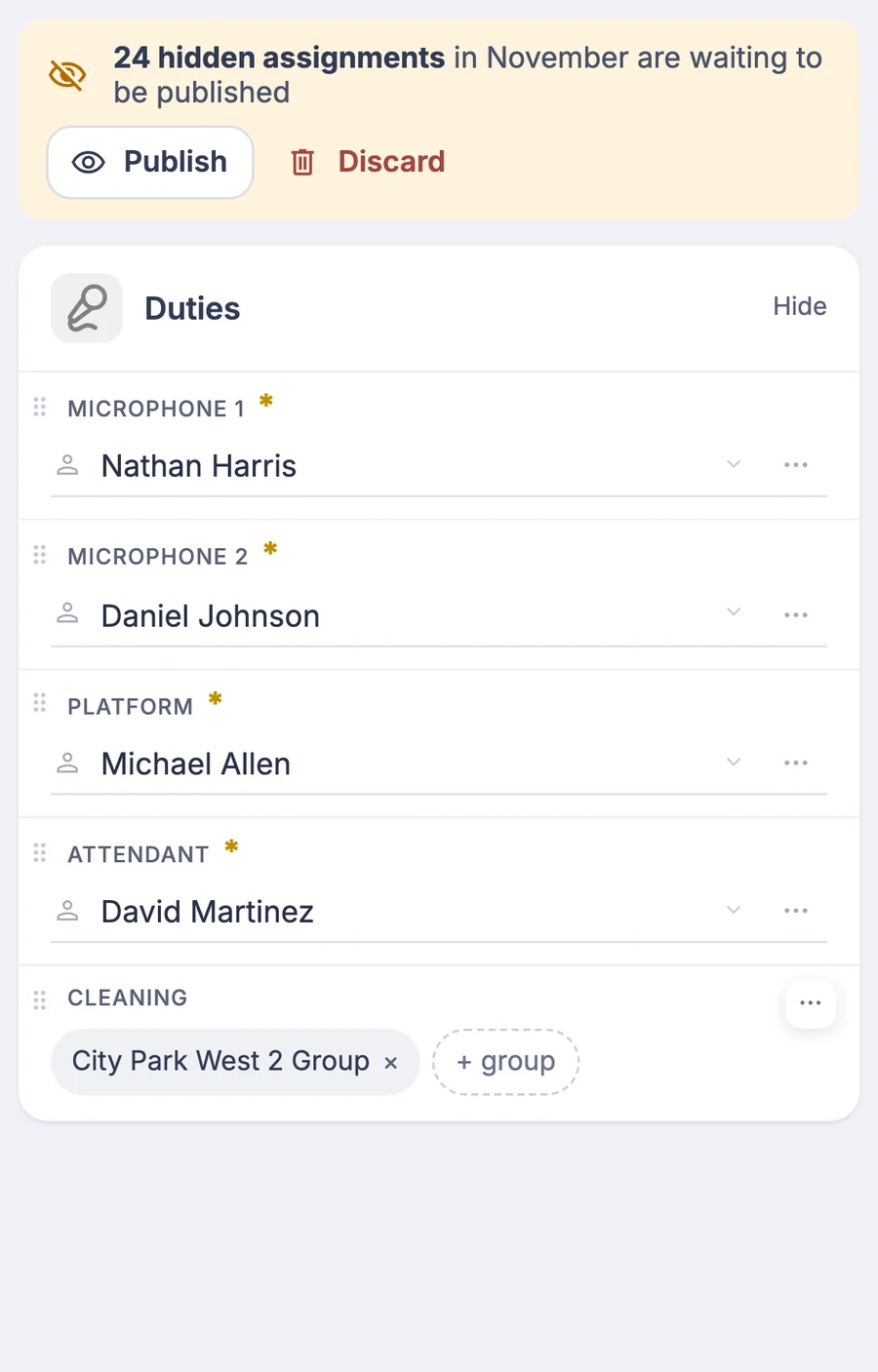
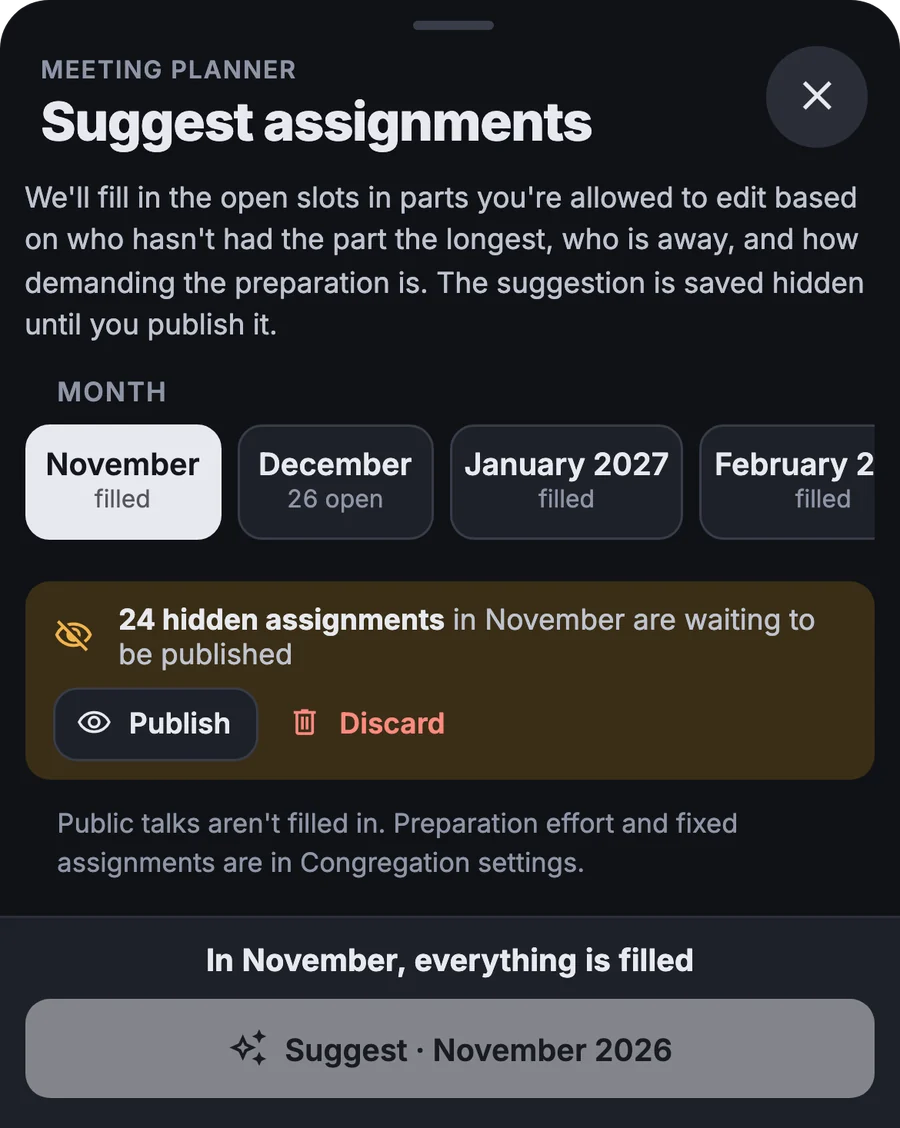
The program is loaded from the workbook and the app proposes assignments for the whole month. Until you confirm the proposal, nobody sees it.

More about this area

A month of assignments proposed

It suggests whoever has gone longest without a part and won't be away that day.
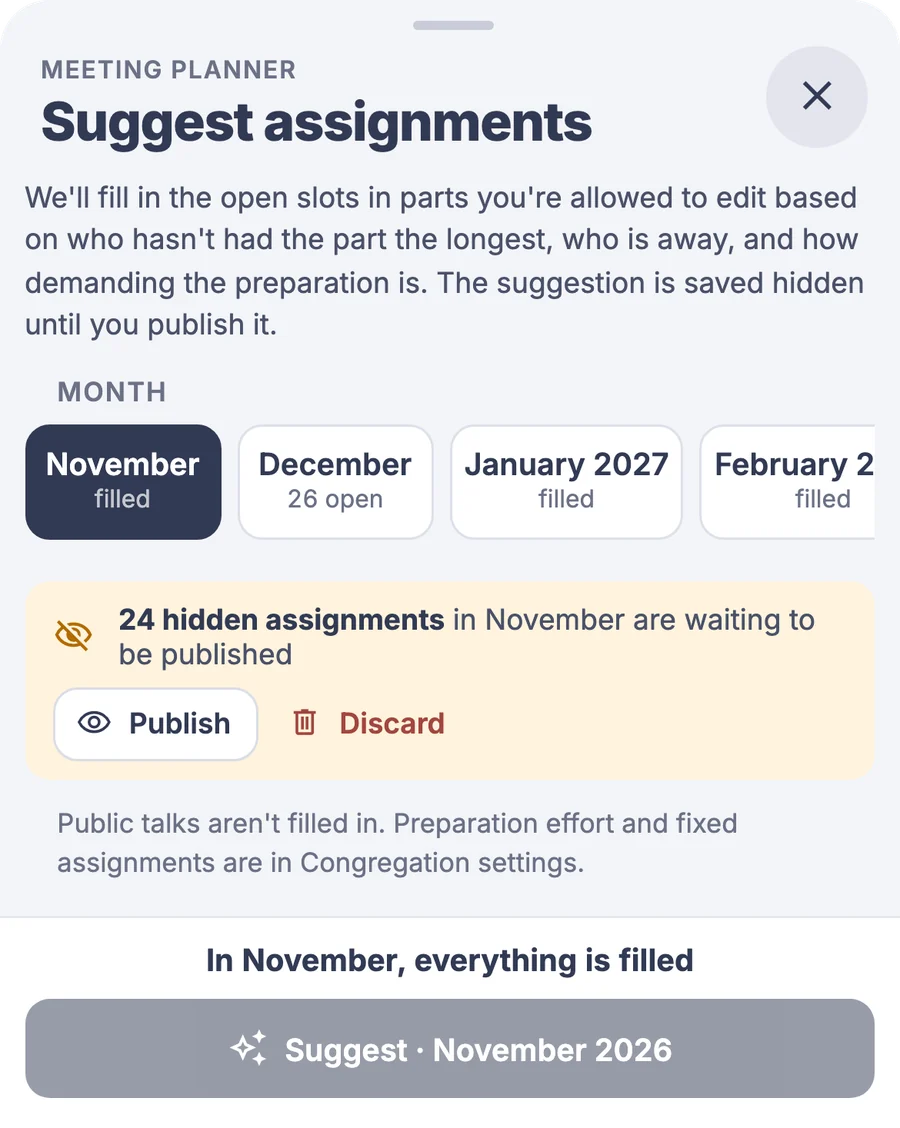
Nothing is published in advance

Only those who prepare the schedule see the proposal. You publish it or discard it.

  • Program from the workbookIt loads for one meeting or for all of them at once.
  • Fixed assignments with a substituteFor a part that always goes to the same brother, you set it once, substitutes included.
  • Who gets what, how oftenFor demanding parts and for each brother, you set how often they should be offered.
  • Edit by draggingMove an assignment by dragging it, and swap a brother by tapping his name.

Absences

You know who is away before you build the schedule

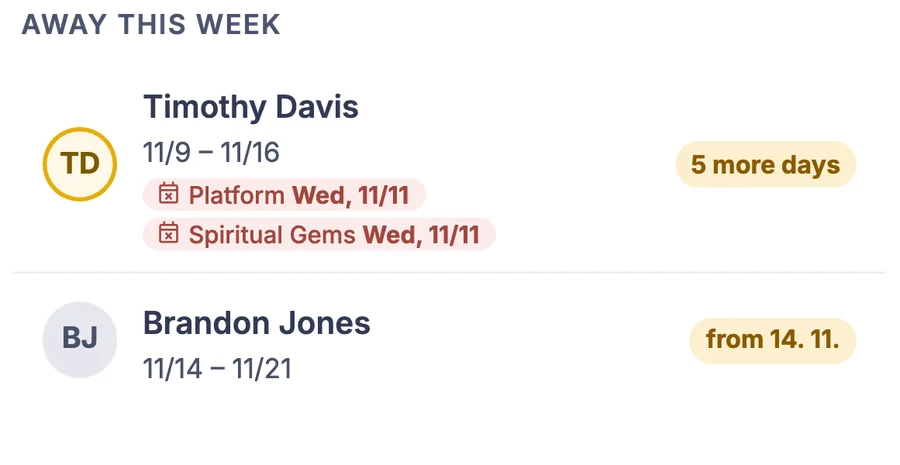
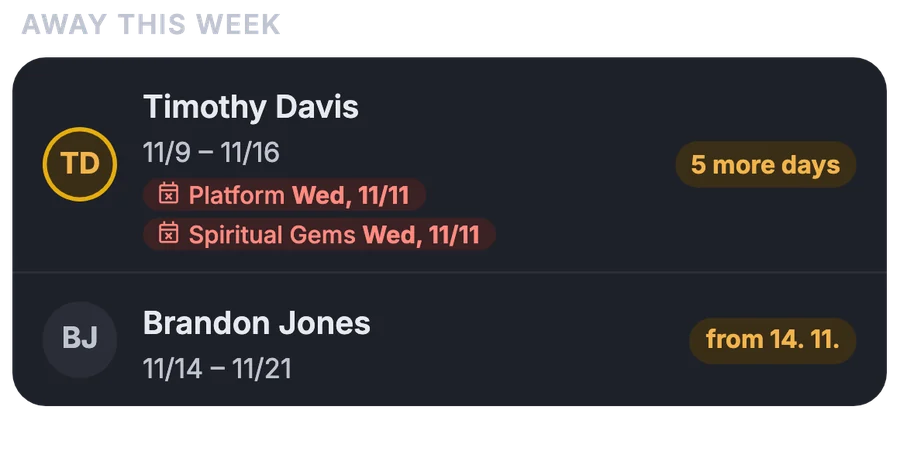
Publishers report the days they will be away. The schedule doesn't count on them for those days and shows the assignments they already have as needing a substitute.

More about this area

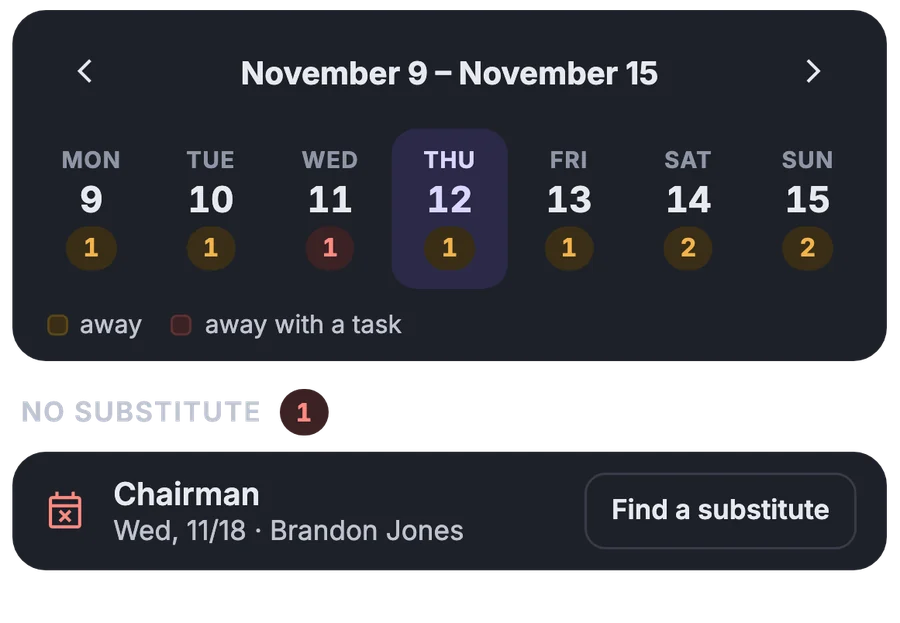
The whole congregation on one timeline

You see right away the weeks when several people are away at once.
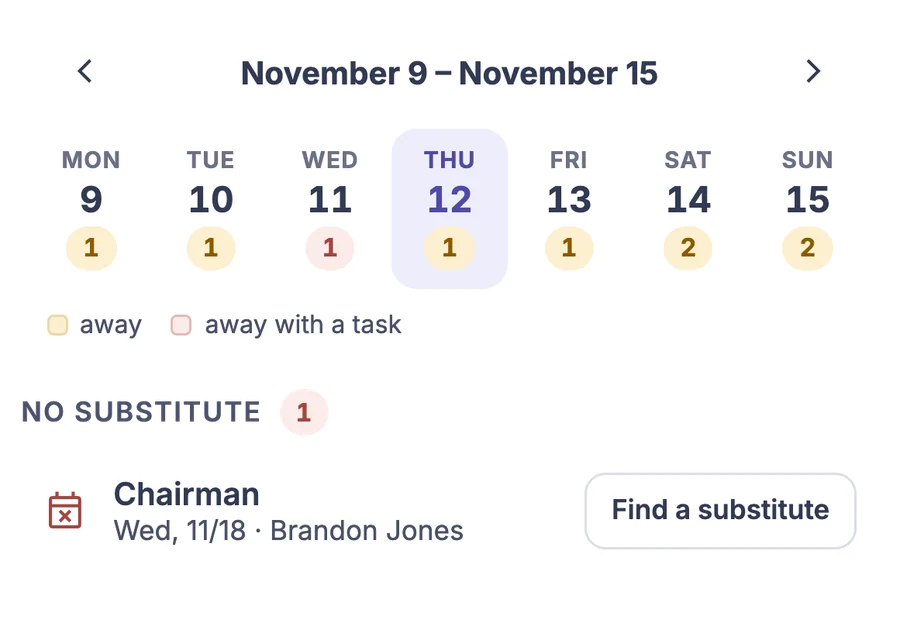
Assignments without a substitute

The list of absent people shows which of their assignments nobody has taken over yet.
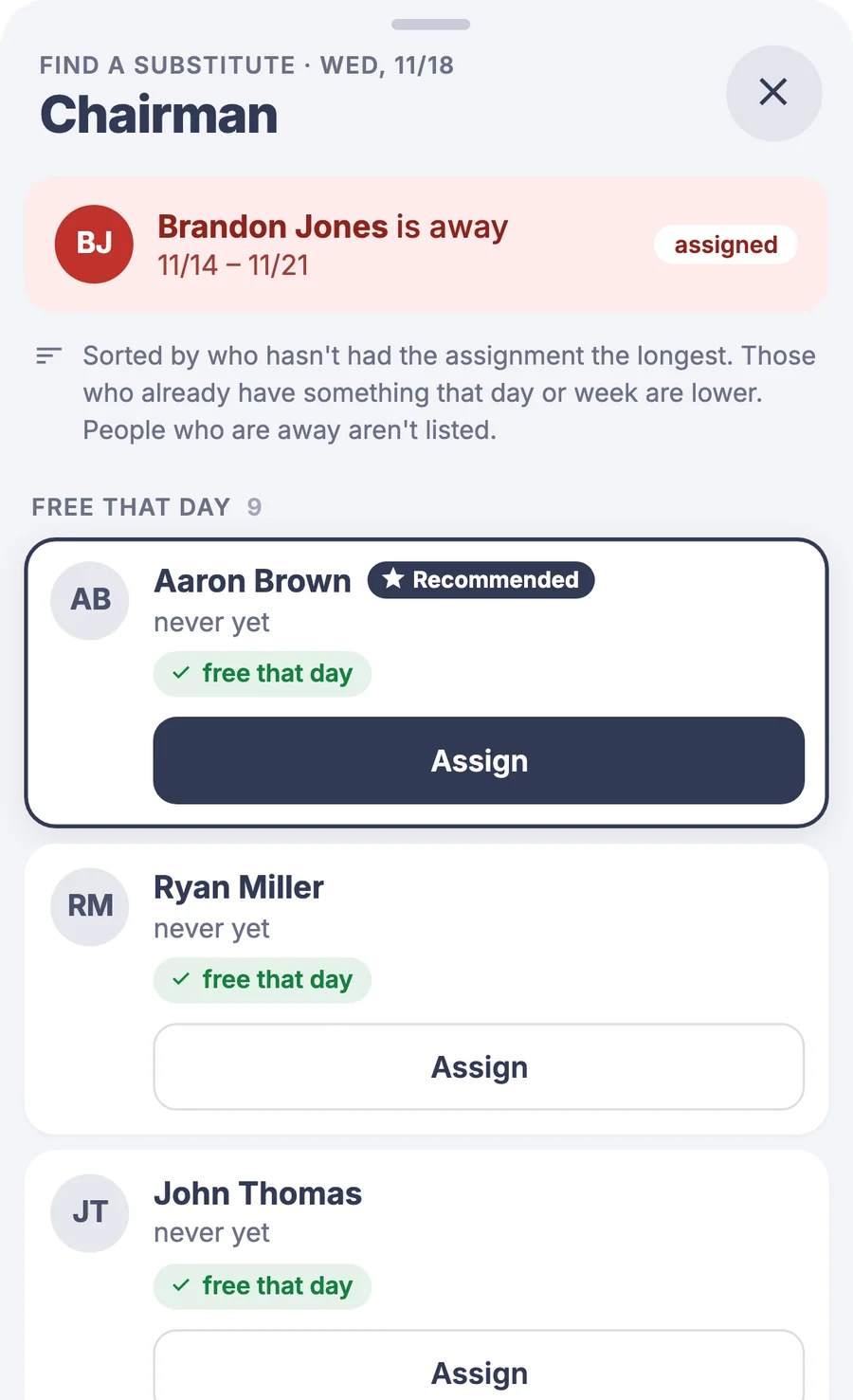
Recommended substitute

The app suggests who is free that day, and you assign them with a button.

  • A colleague takes over the assignmentWhoever will be away can hand off the assignment himself. Suggestions take into account who is away that day.
  • Deadline for reportingYou set the date until which an absence can be changed. A reminder appears on the home screen.

Around the meeting

It reminds before the meeting and adds up afterward

You remind a brother of his assignment with a message, print assignment slips from the finished schedule, and the attendant records how many were present.

More about this area

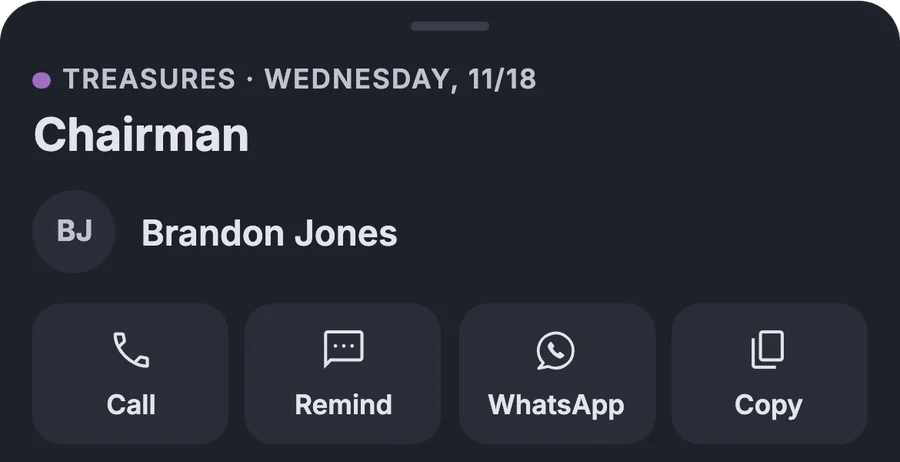
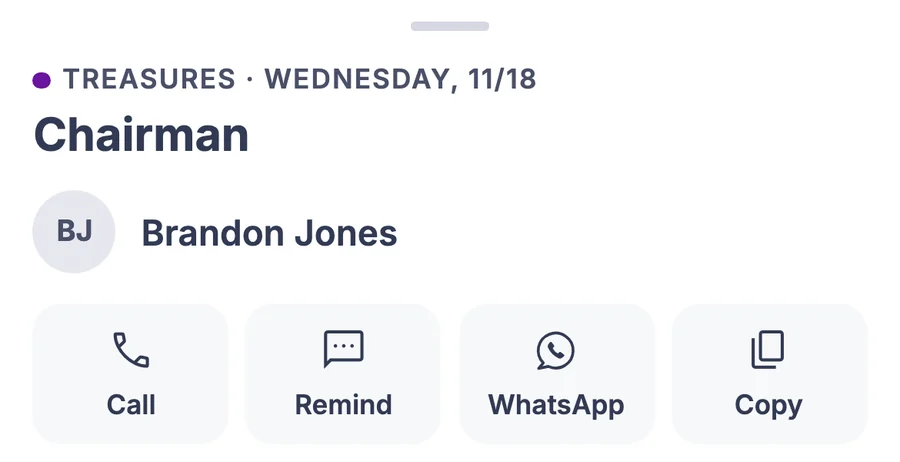
Remind by SMS or WhatsApp

Right from the assignment, you call or send a reminder with your own text.
Attendance in the hall and online

The attendant records the counts on a phone during the meeting.
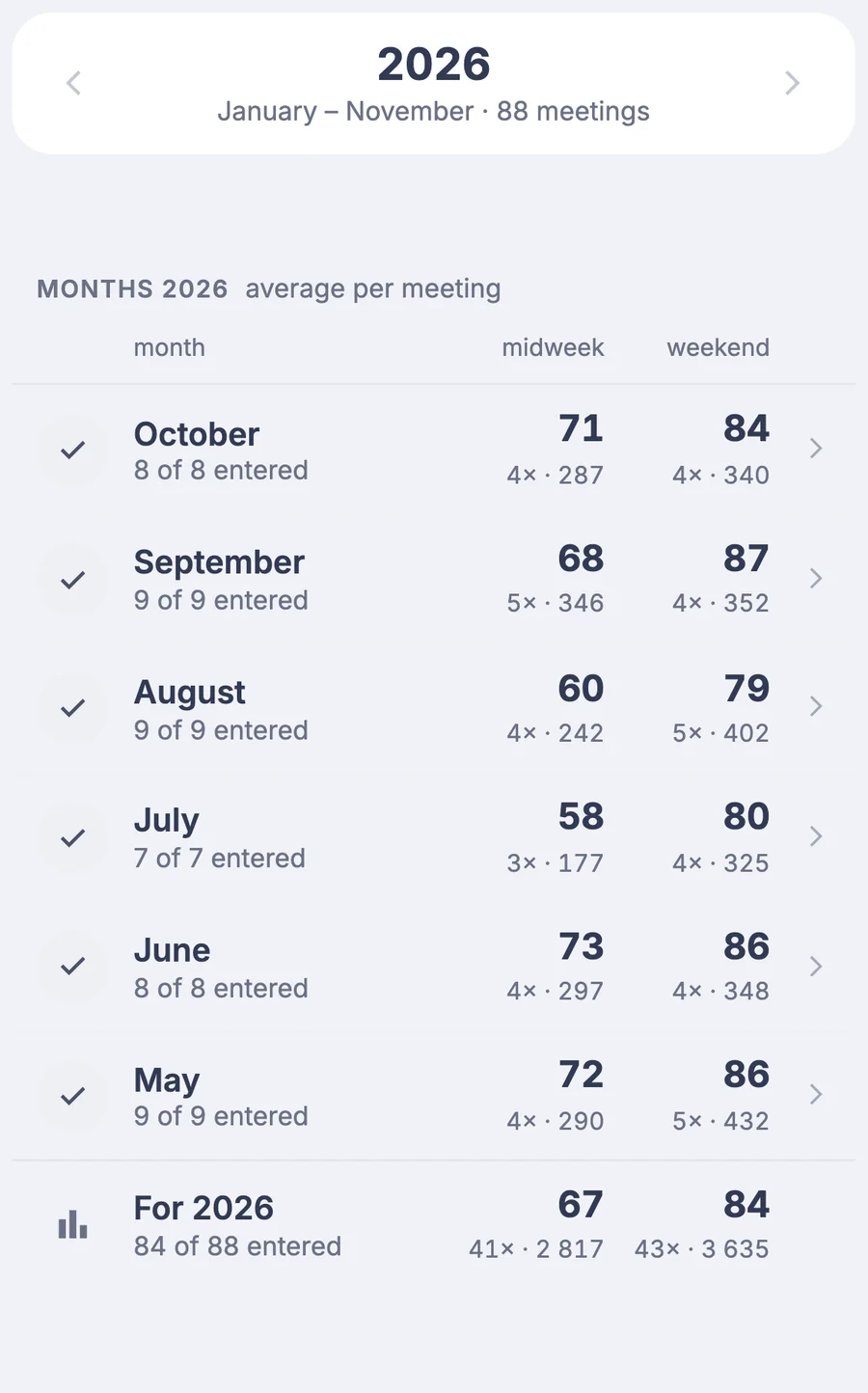
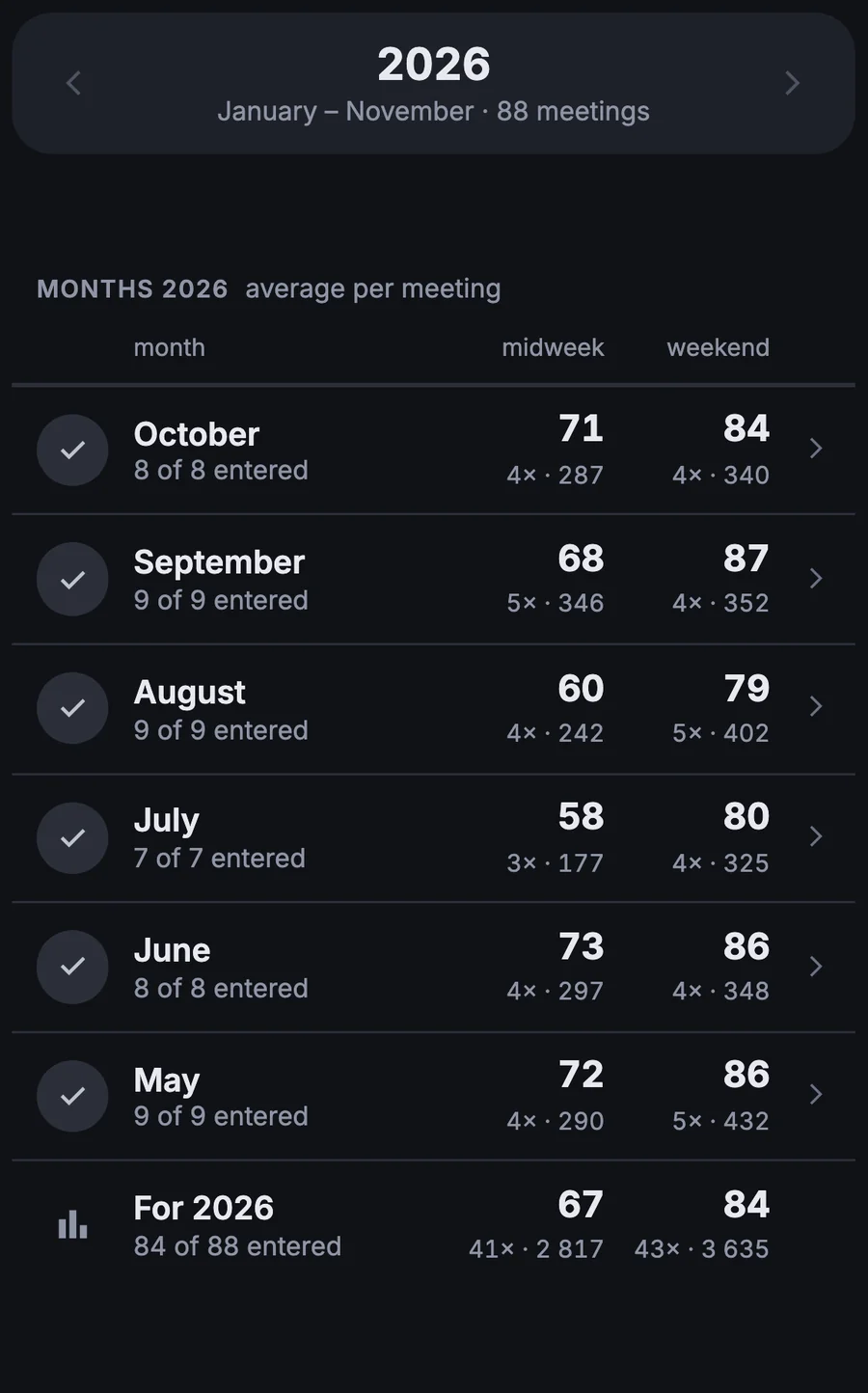
Attendance by month and year

You get the monthly and yearly overview without adding up on paper.

  • Assignment slips to hand outYou print the assignments from the schedule, with nothing to copy over.
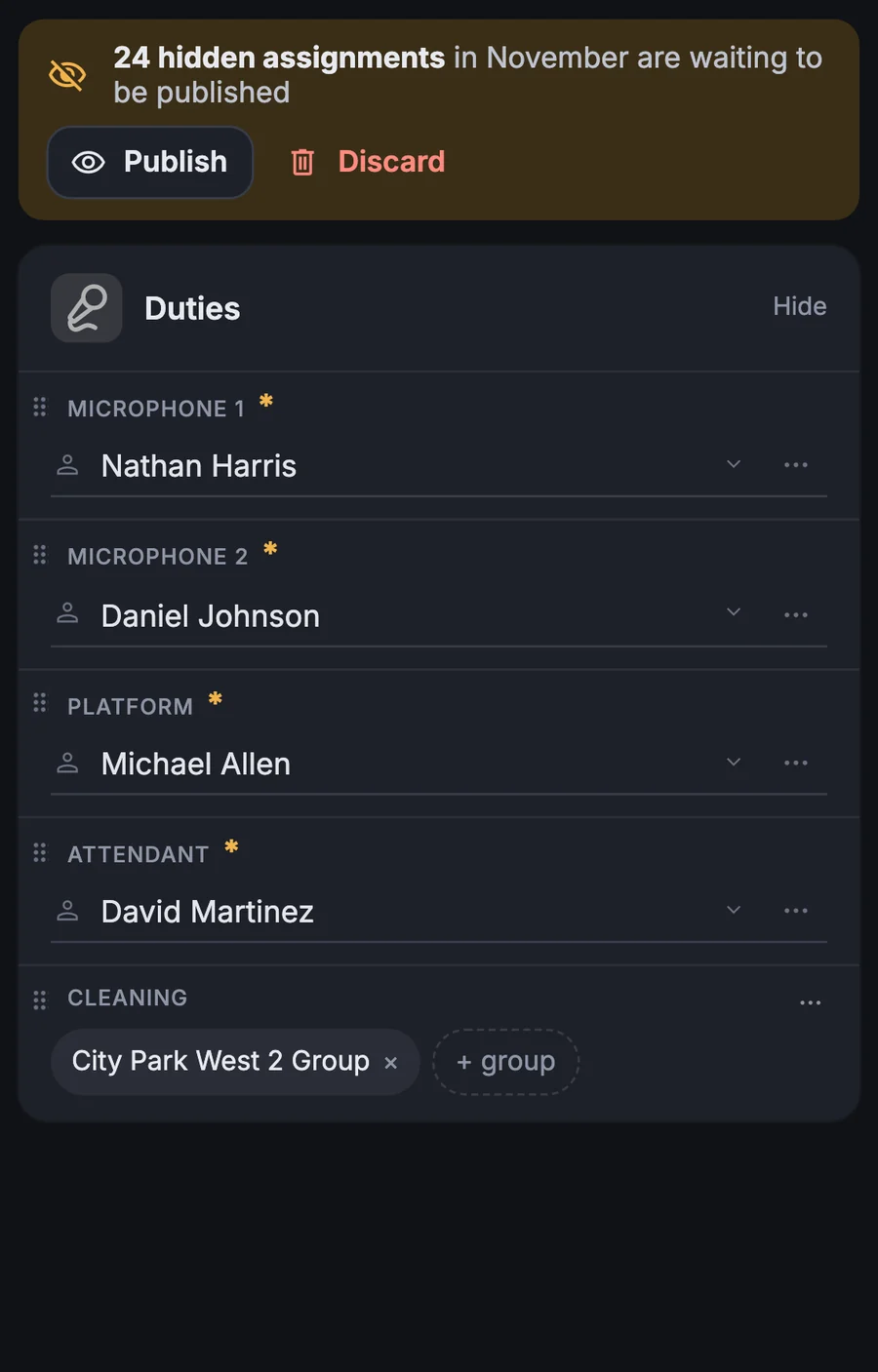
  • Sound, microphones, attendants, cleaningYou plan these duties in the same schedule as the program.
  • Print and Excel on A4You print the schedule or download it as a one-page spreadsheet.

Reports

Publishers enter reports, the totals are ready for you

Everyone submits their own report on a phone. The app reminds whoever is missing, and you see who hasn't submitted yet.

More about this area

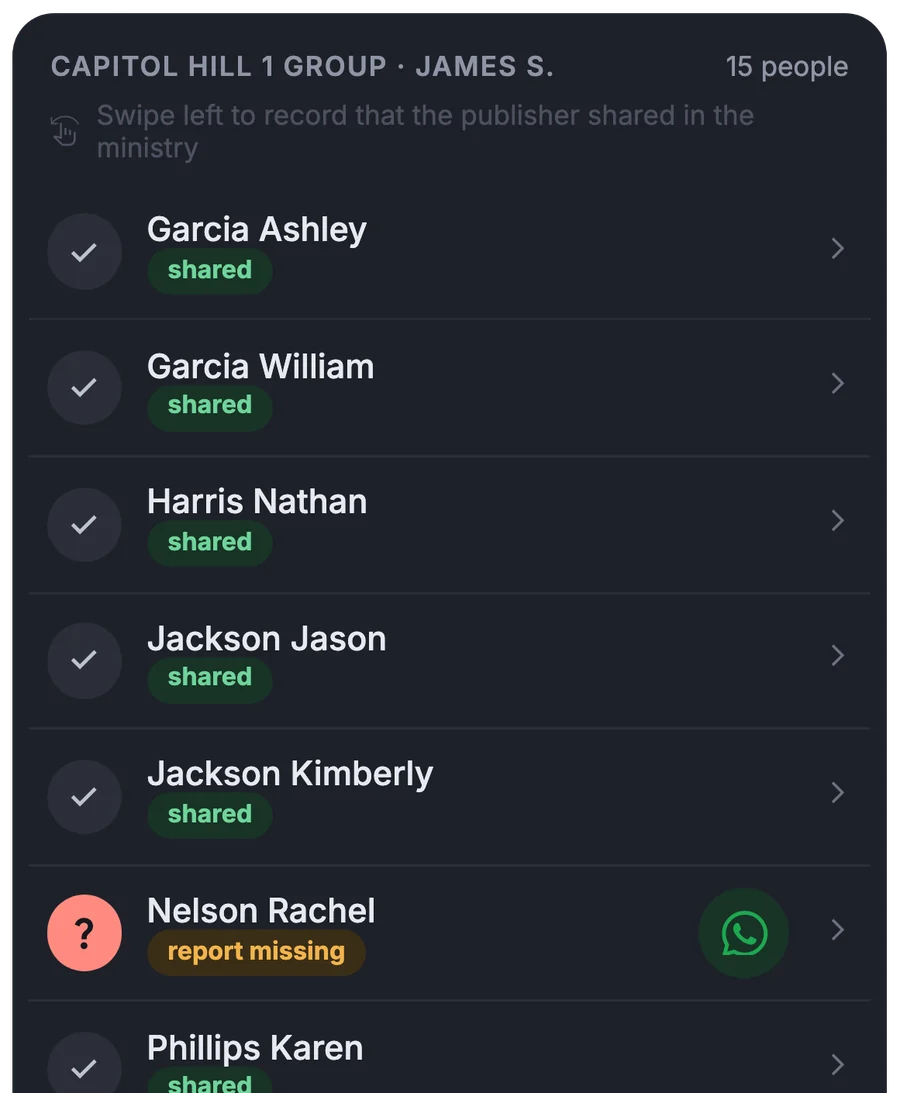
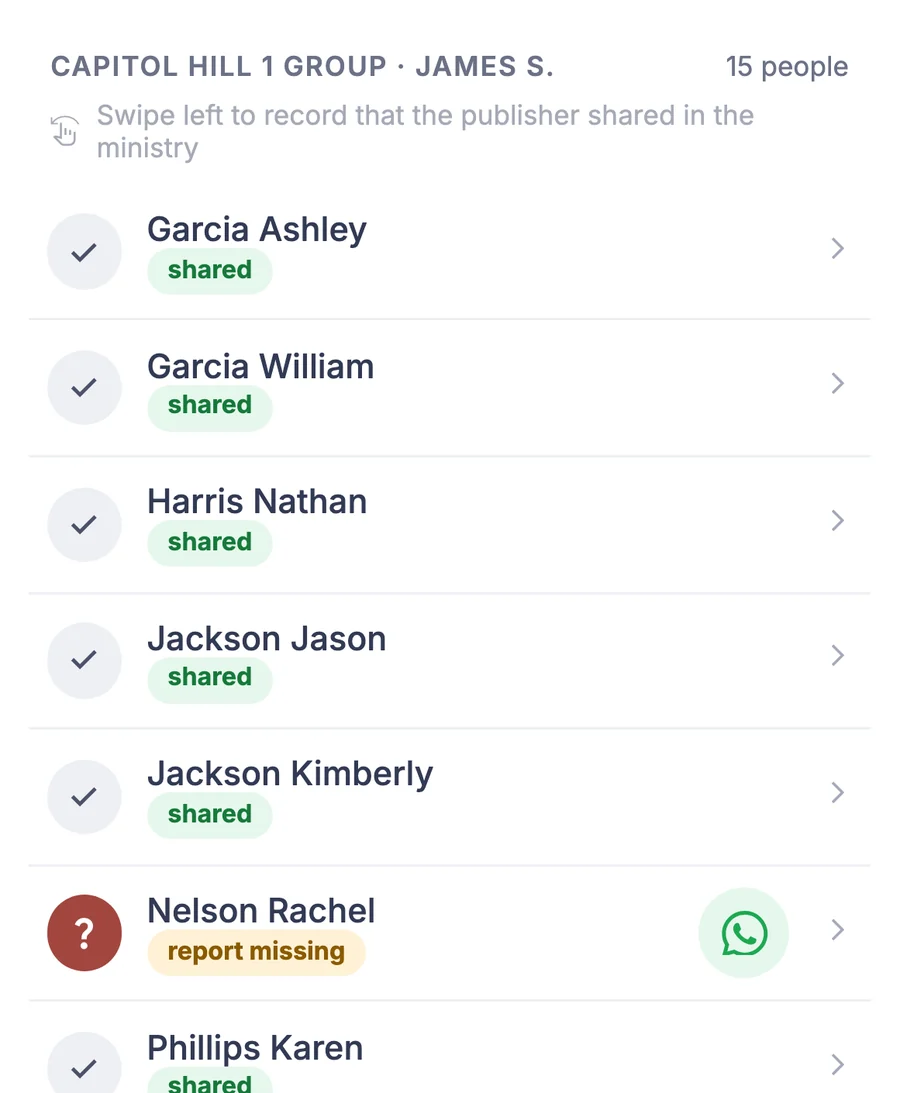
Who has submitted and who hasn't

The status of reports for the month by service group, with missing ones marked.
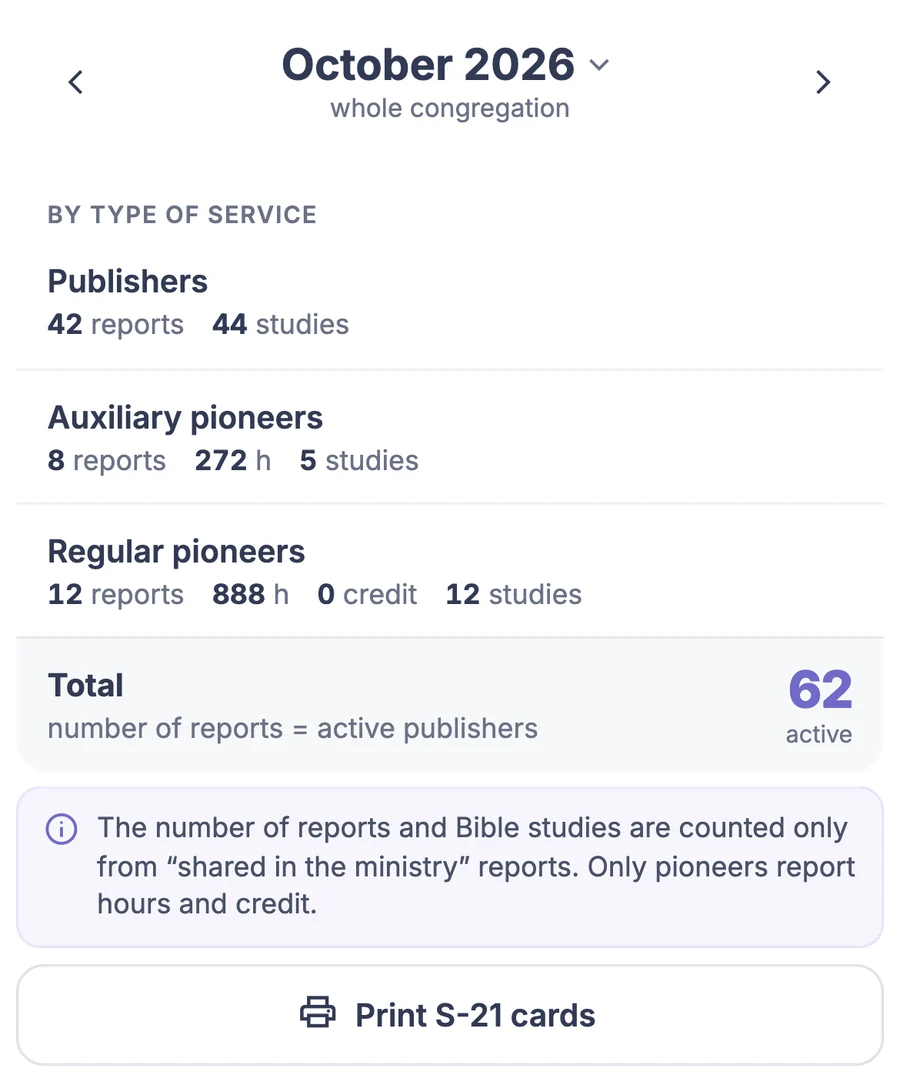
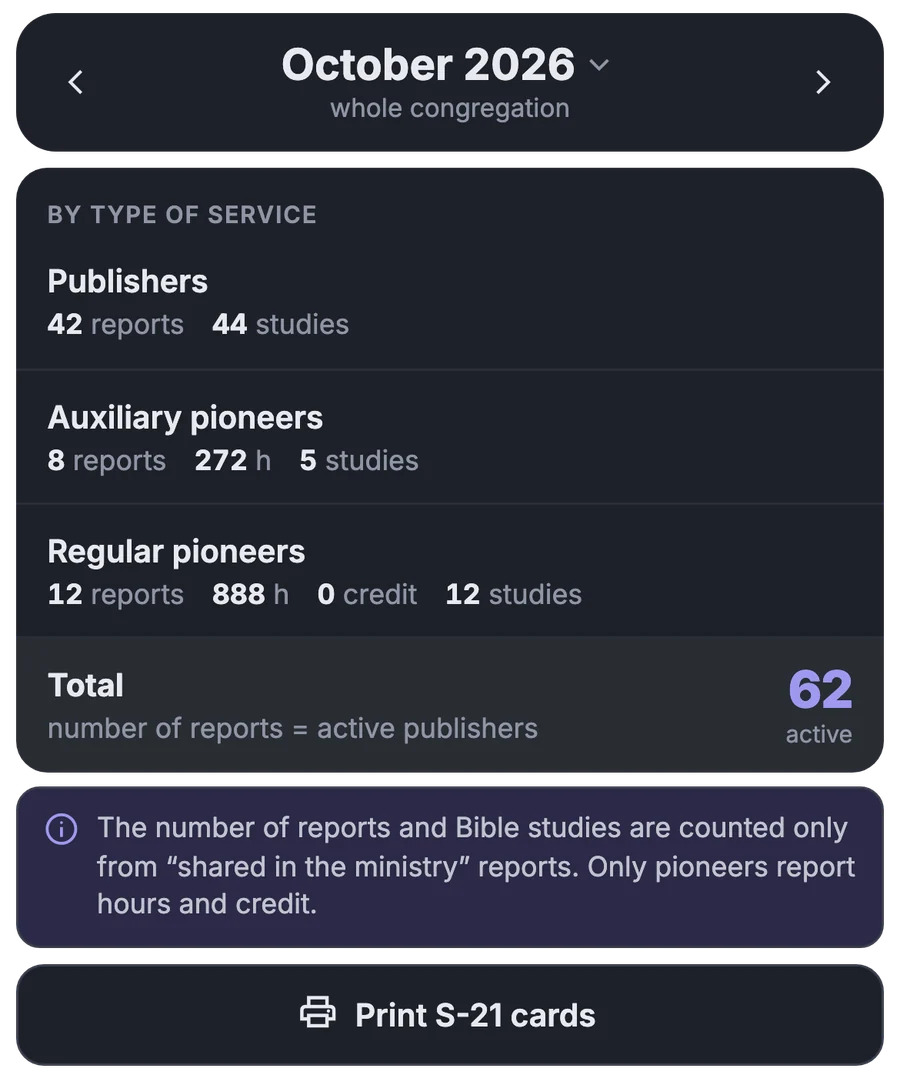
Congregation summary and S-21

A monthly summary by type of service and S-21 cards for the year, to print or as a PDF.

  • Reminder by emailAnyone without a report gets an email. The publisher just taps “I was in service”.
  • Remind one brotherFrom the overview you message him via WhatsApp, with the text already filled in.
  • Pioneer hours by dayThe calendar adds up the hours, shows how many remain to reach the goal, and counts credit.

Territories

The group sees on the map where it has already been

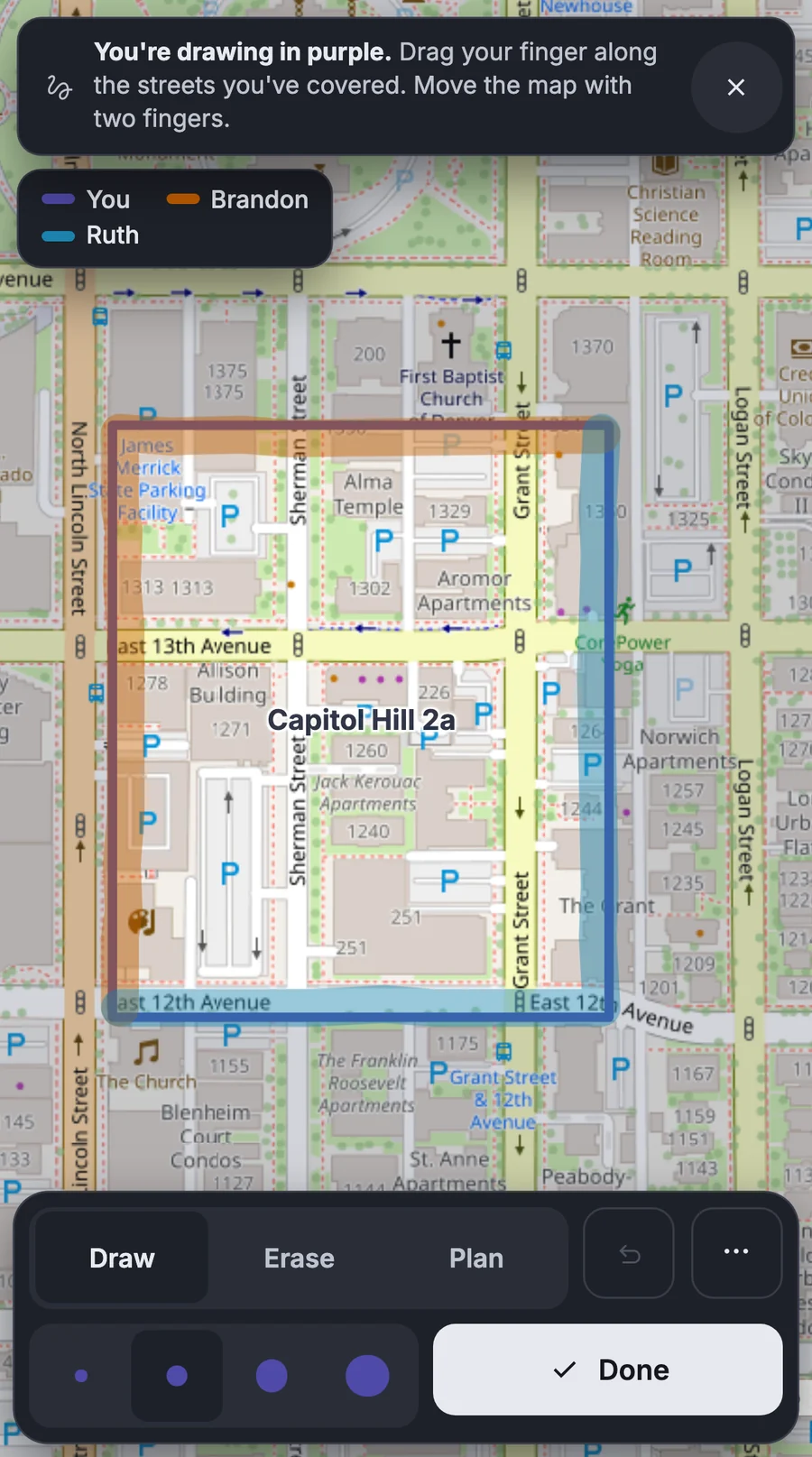
With a highlighter you mark the streets you covered, and everyone you share the territory with sees it. The map works even where there is no signal.

More about this area

Highlighter

Drag a finger across the map to mark the streets you have finished.
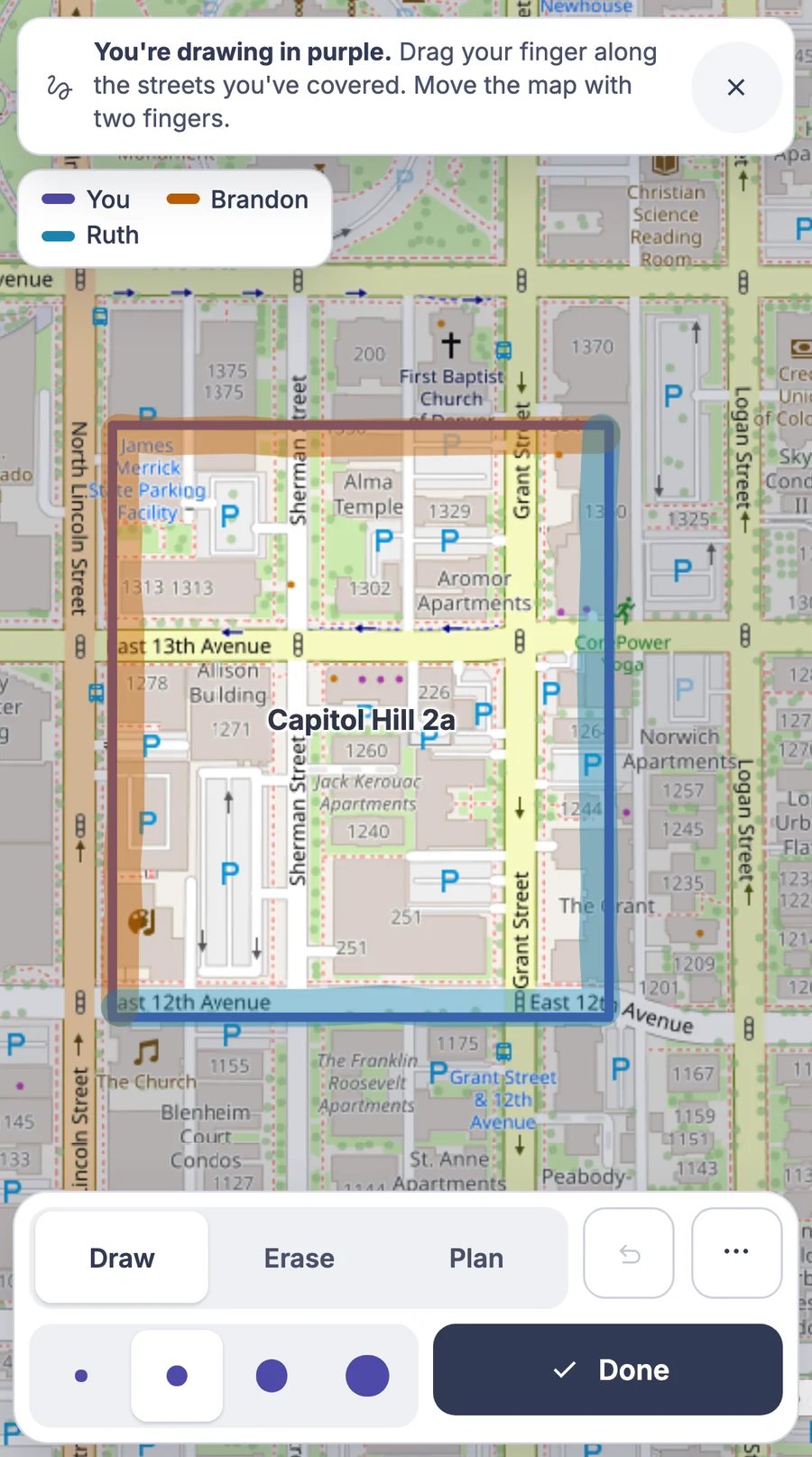
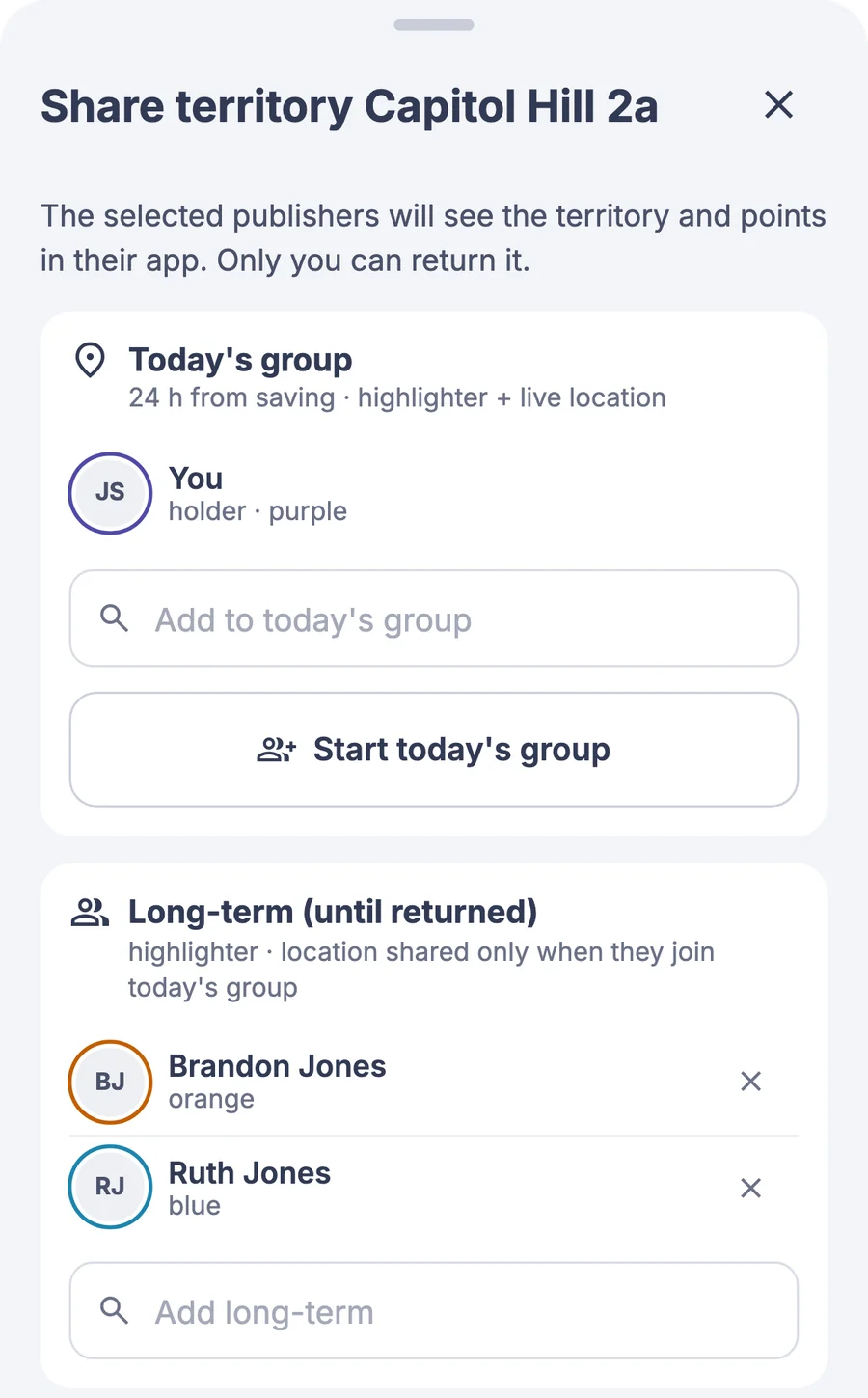
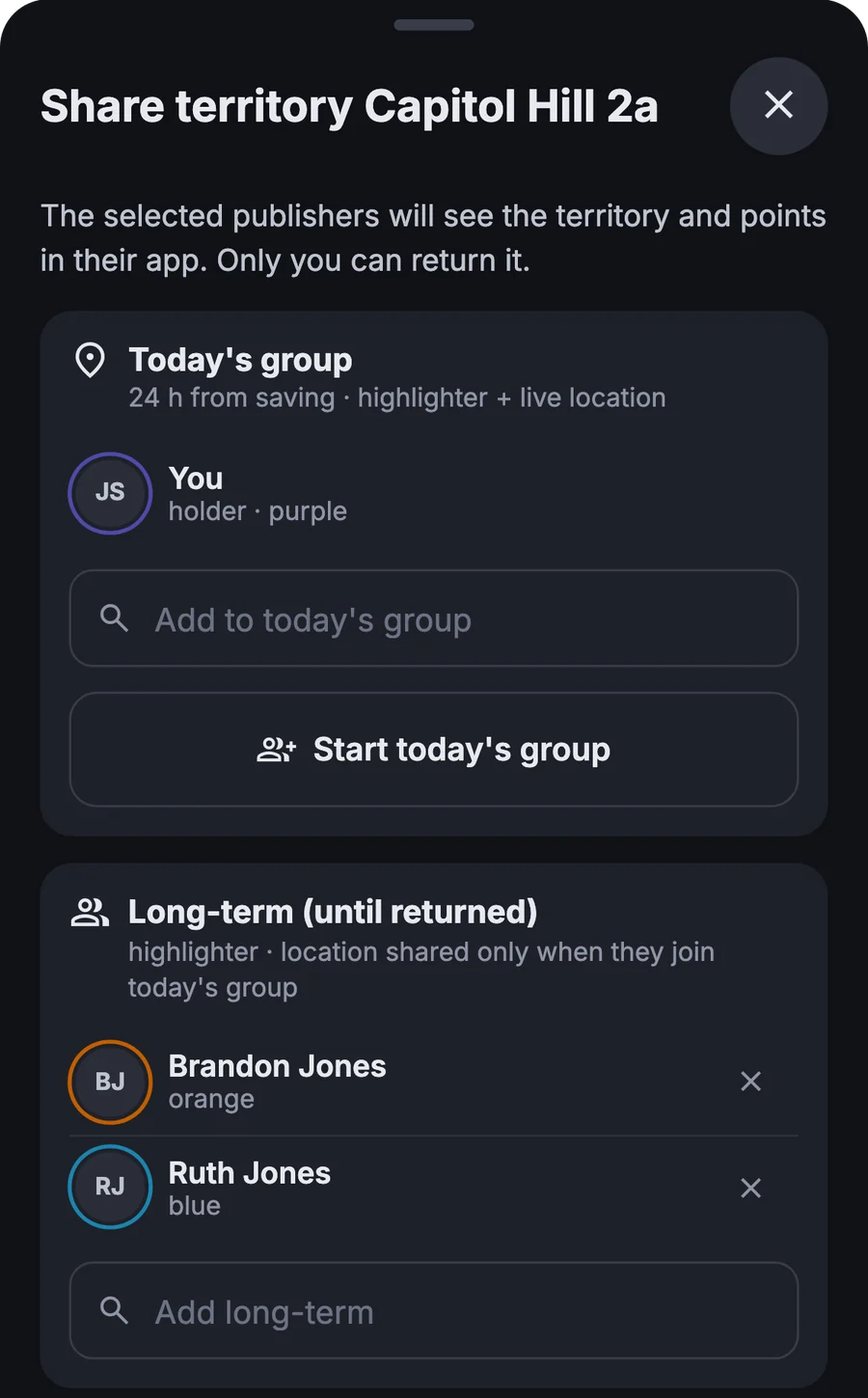
Today's group

You invite others to the territory and see them on the map too.
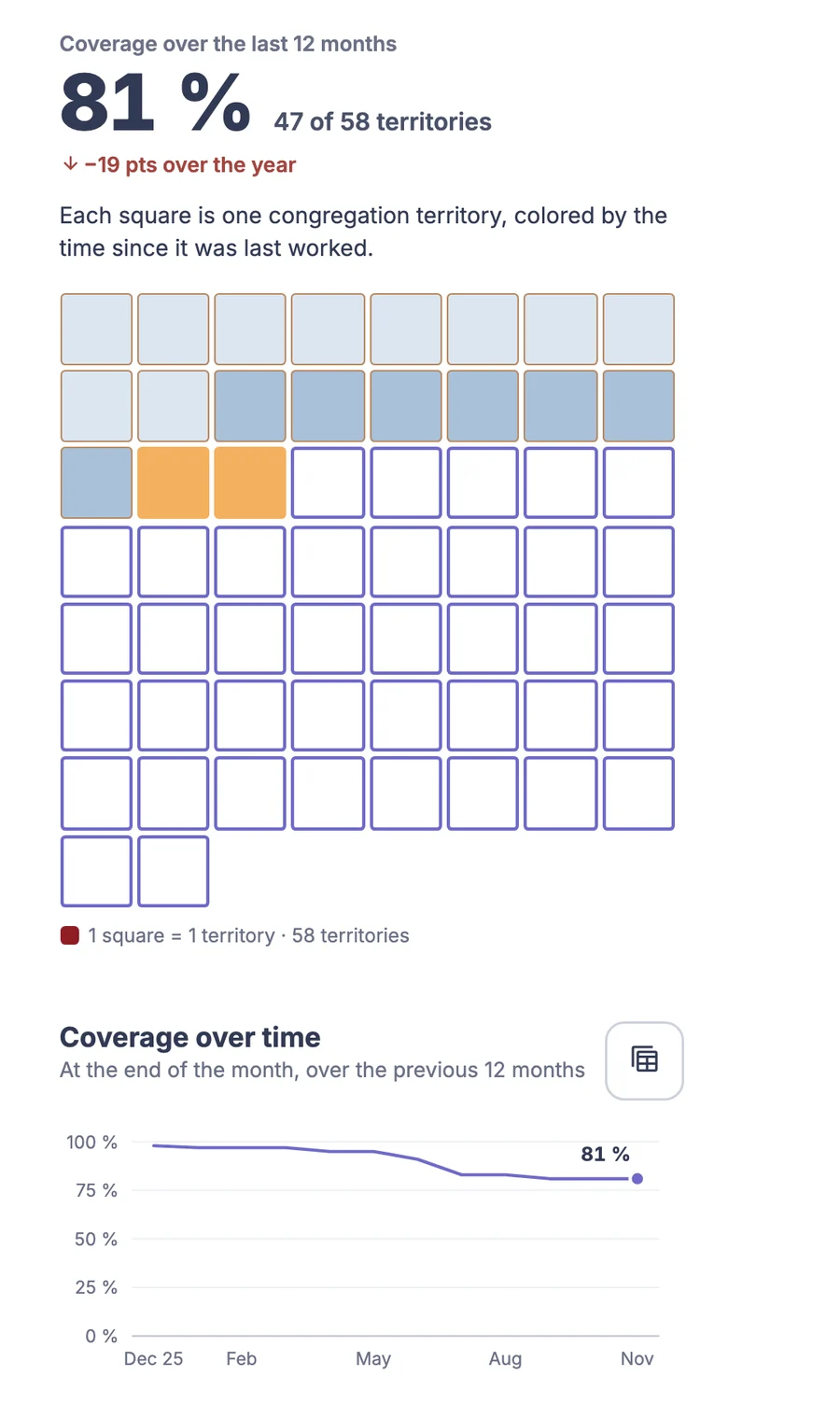
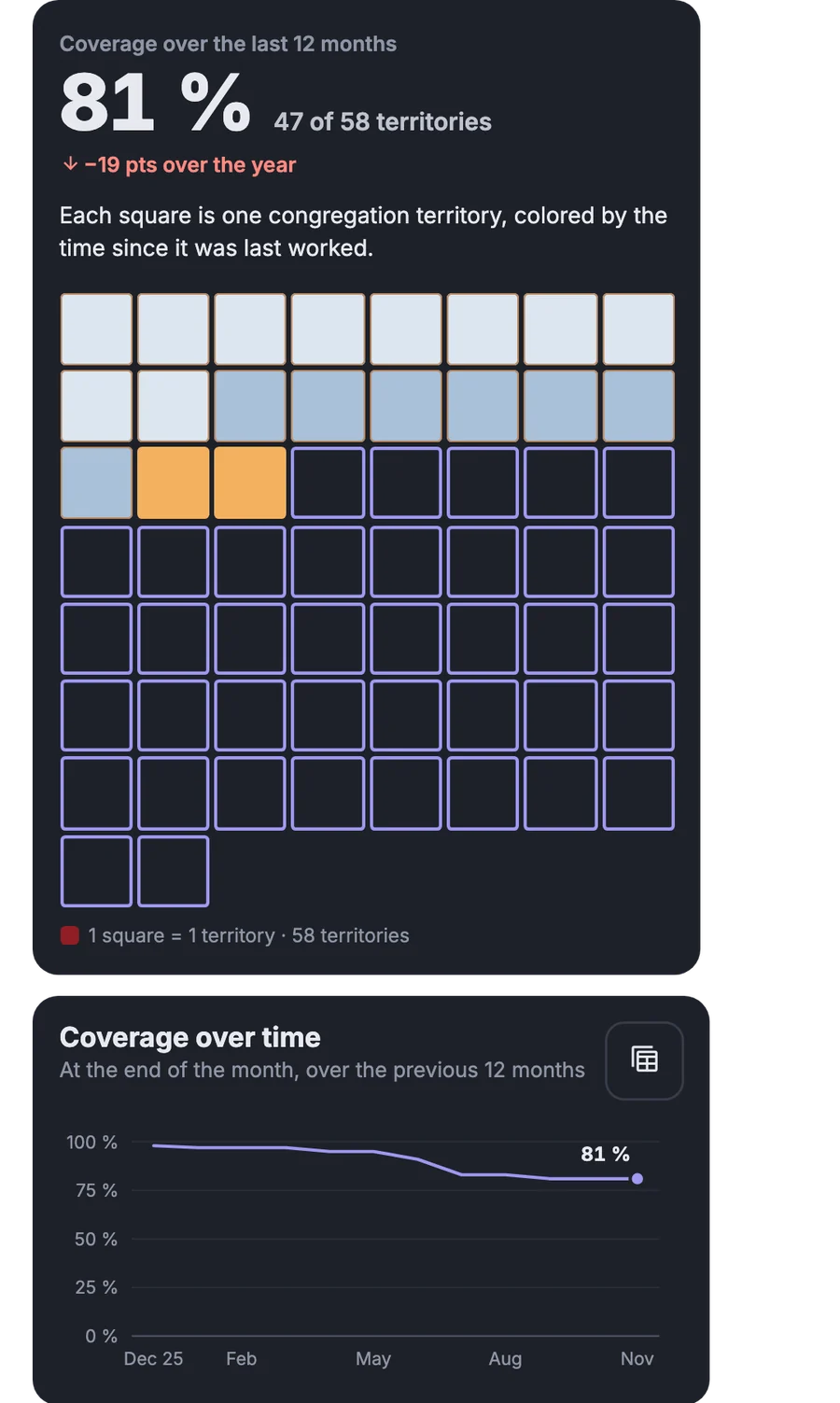
Coverage over 12 months

Statistics show how much of the territory has been worked and where to go next.

  • A link for someone without the appYou send a link and even someone without an account can open the territory.
  • Works without signalAn opened territory is saved on the phone, so the map and the houses stay available.
  • Import from Territory HelperYou upload territories and assignment history from files you already have.

Carts, field service meetings

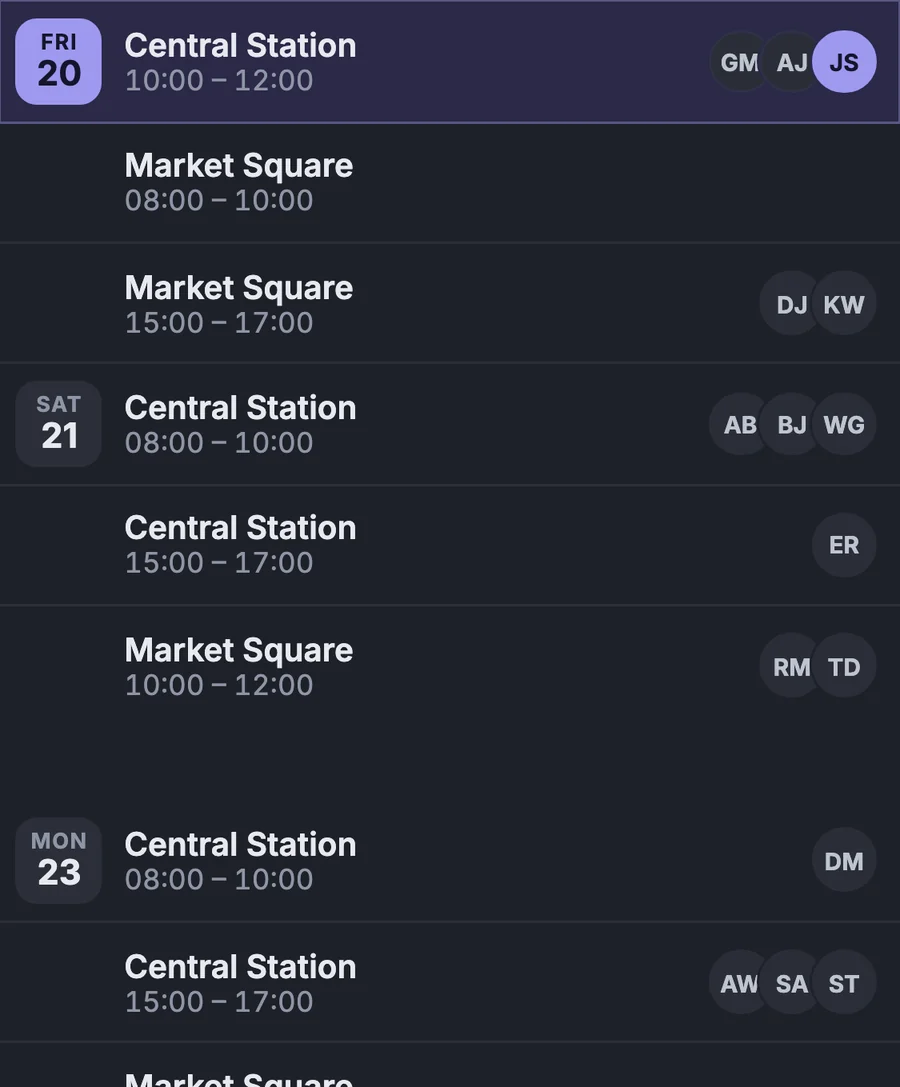
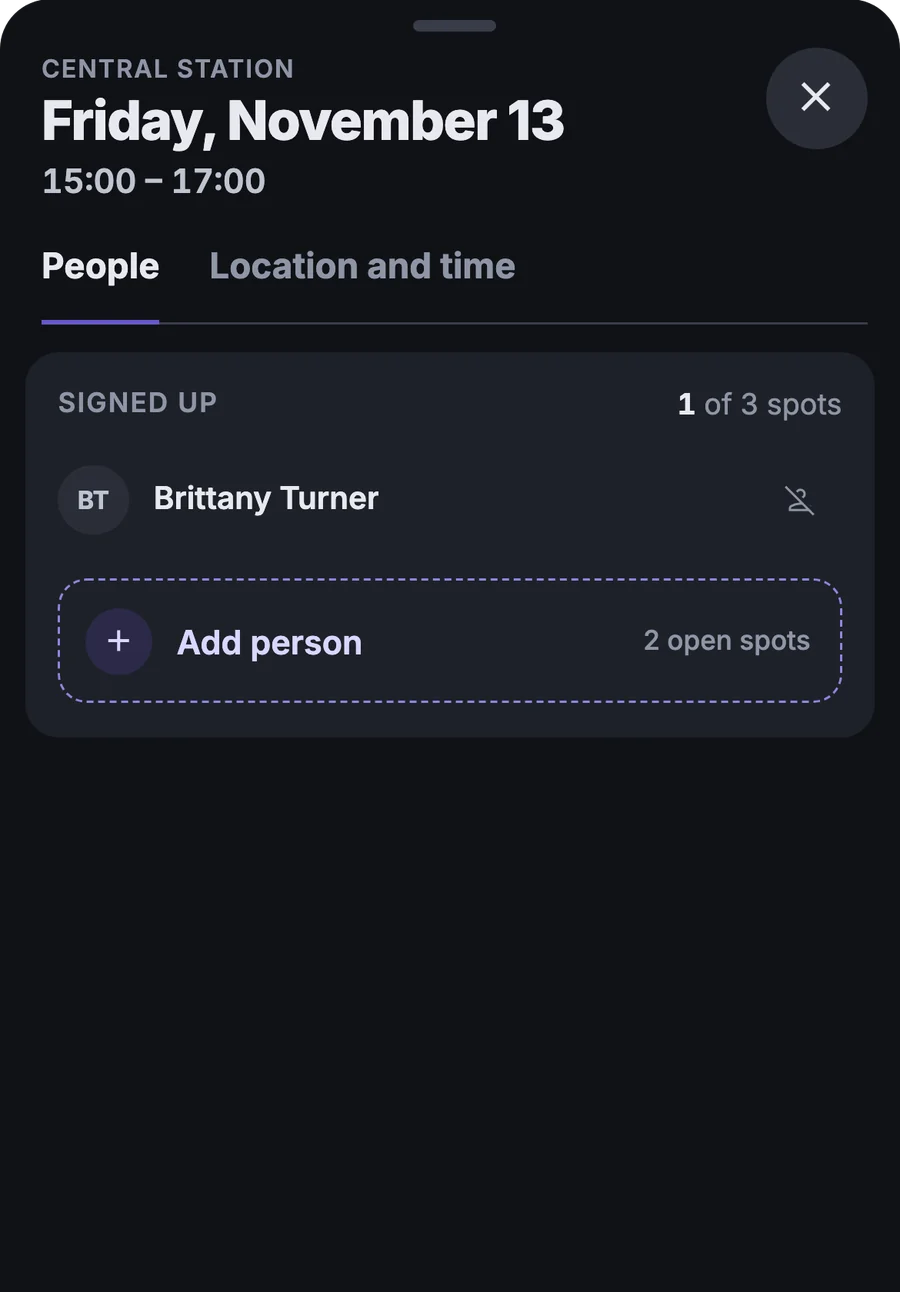
A month of shifts at once, people take spots themselves

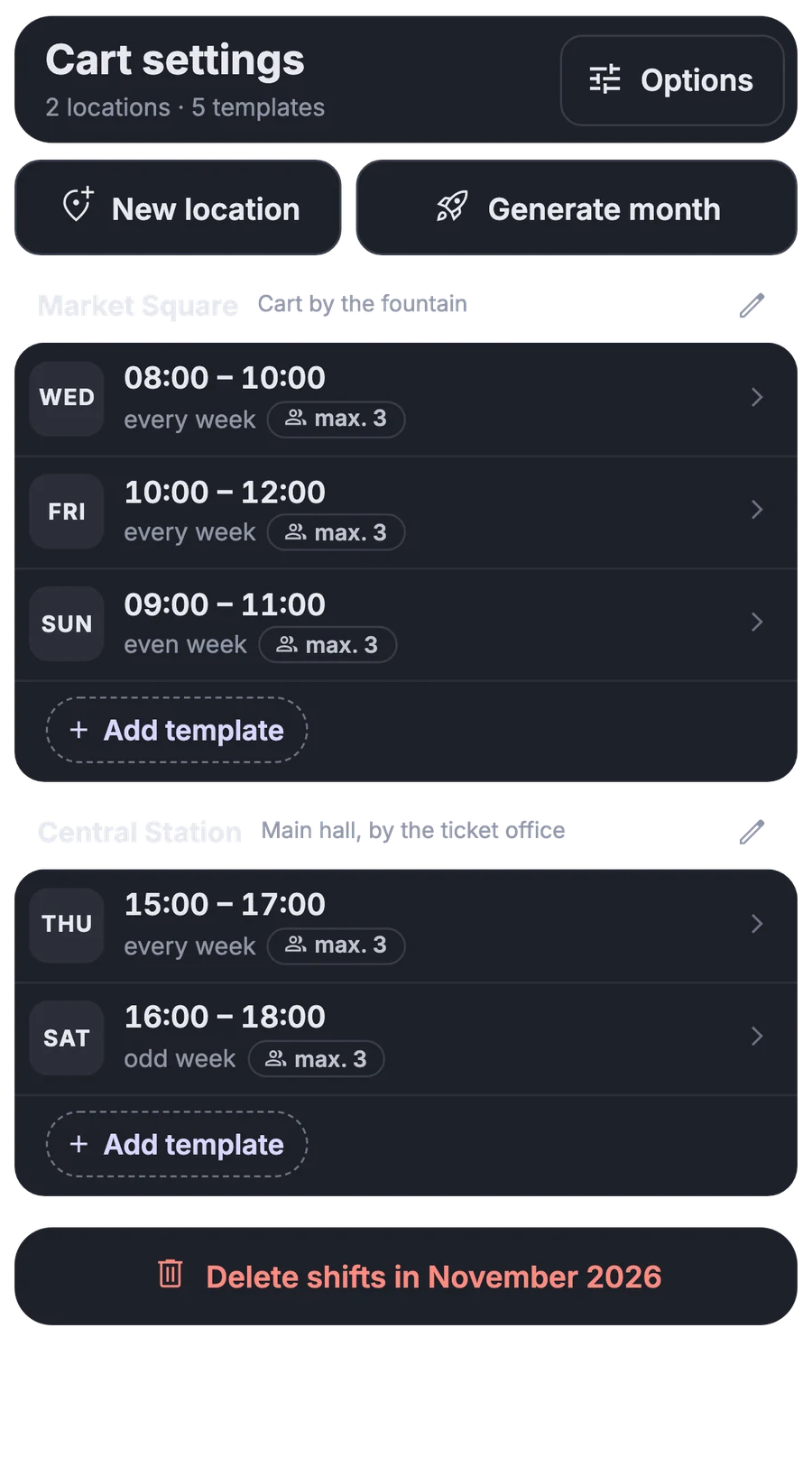
You enter the shift template and the regular meetings for field service once. Publishers see open spots and sign up themselves.

More about this area

A month of shifts from a template

You set the places and times once and create a whole month of shifts with one button.
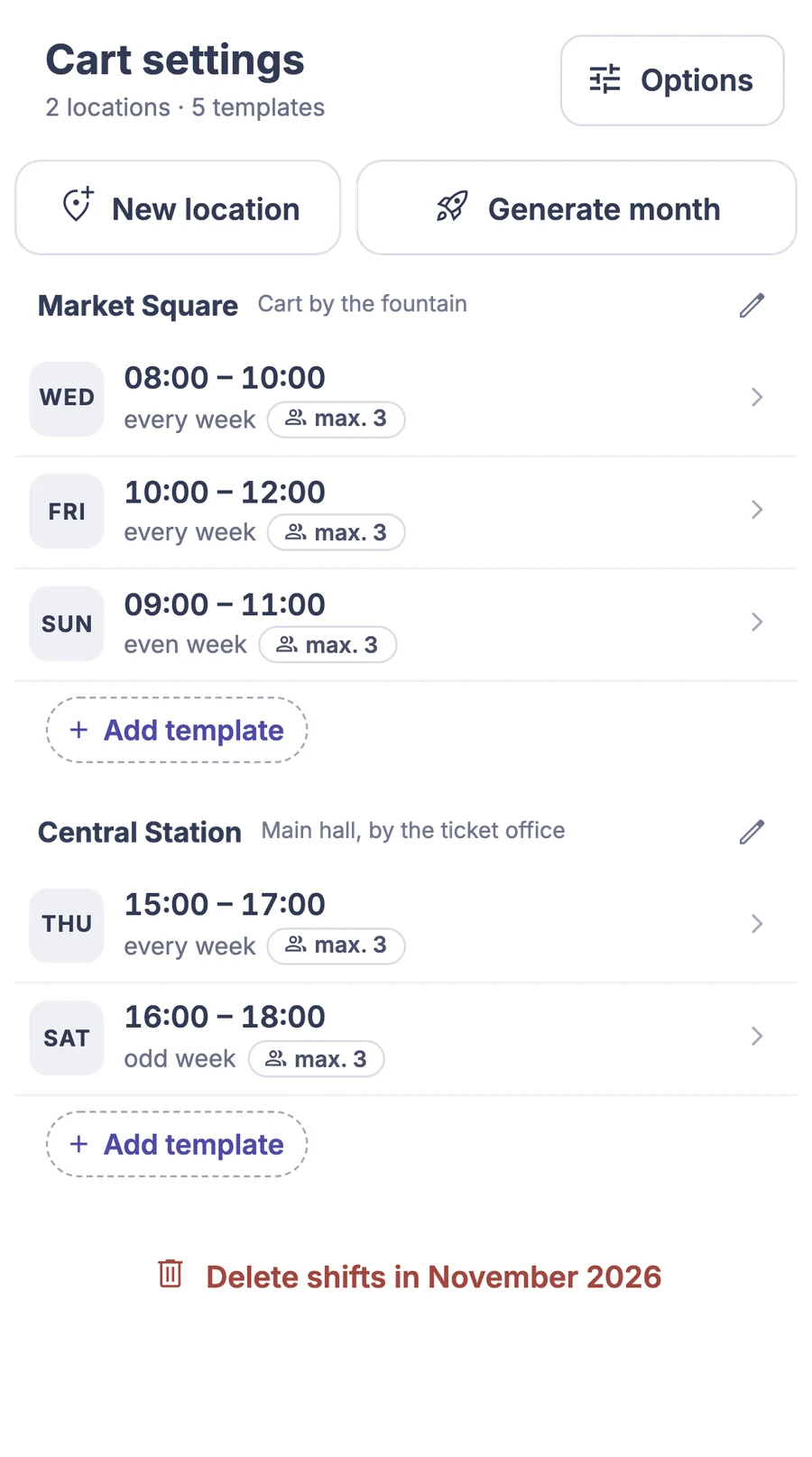
Everyone sees open spots

Whoever serves at the carts finds an open spot and signs up himself.
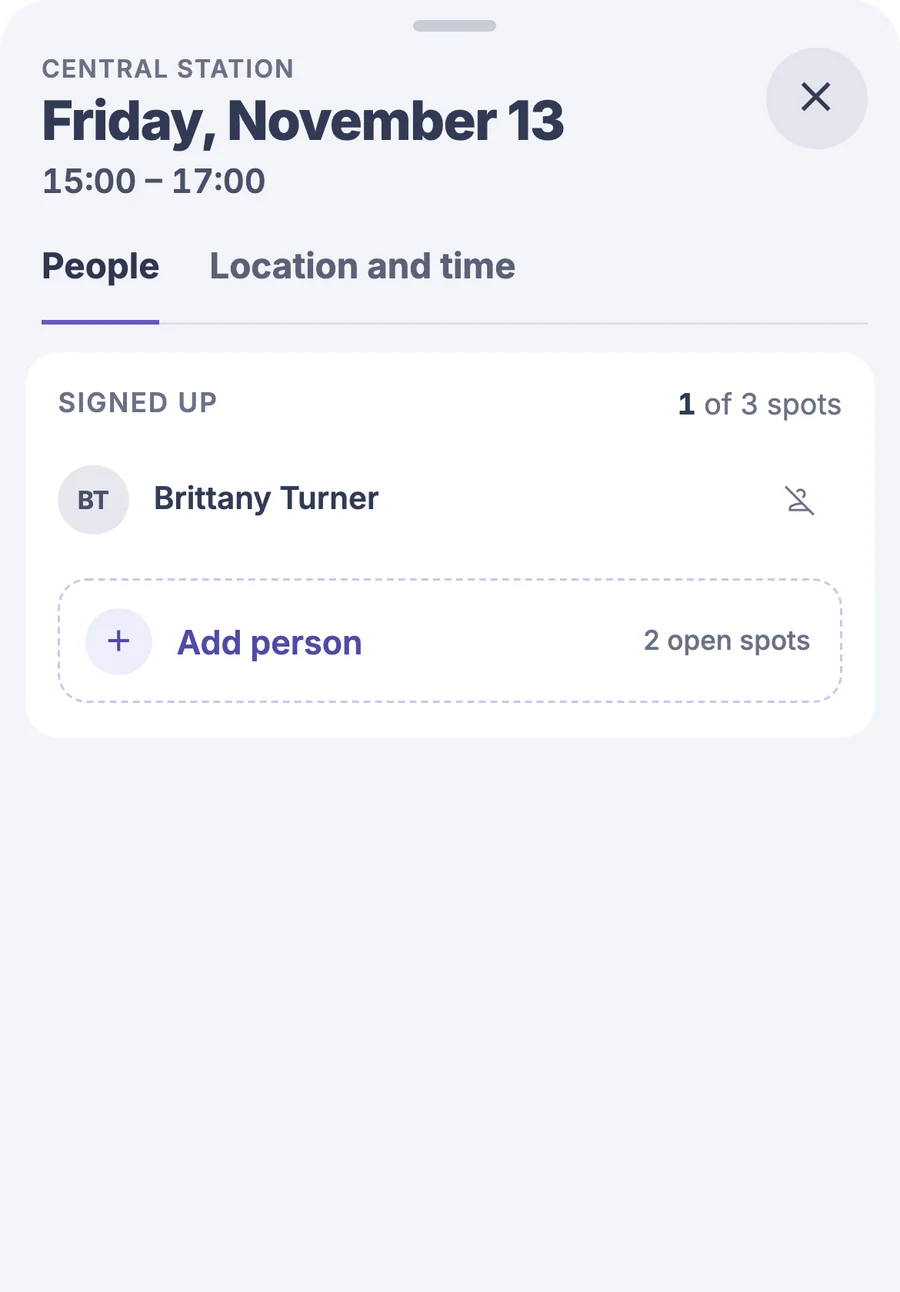
Sign a brother up for a shift

If someone doesn't have the app at hand, you sign him up for the shift.

  • Field service meetings by weekPlace, time, and conductor. The “For me” filter keeps only yours.
  • Join via ZoomYou open the link with a tap and copy the ID and password.
  • Meeting schedule to ExcelYou download the meetings as a spreadsheet to print or post.

People

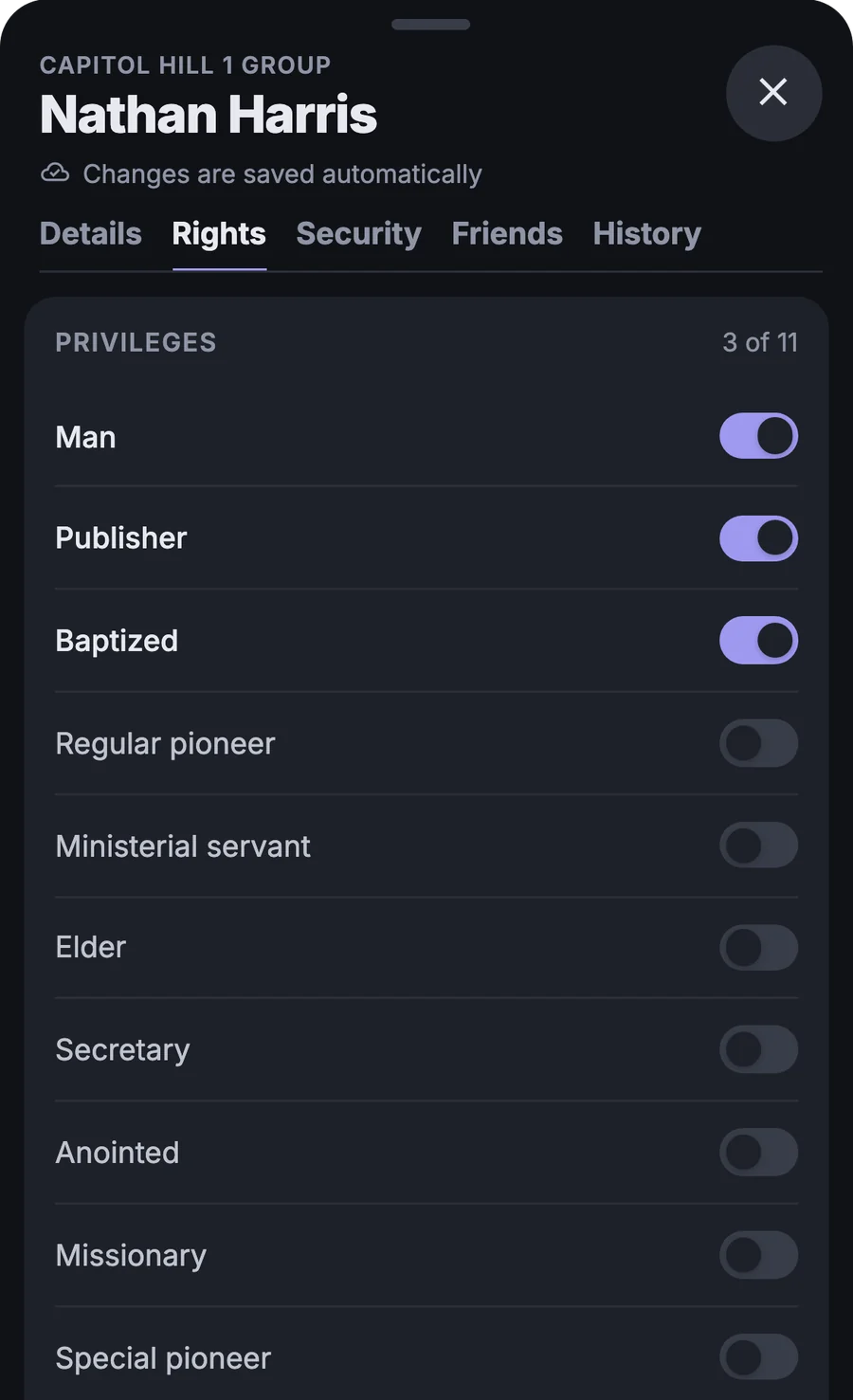
Who may do what, you set with a switch

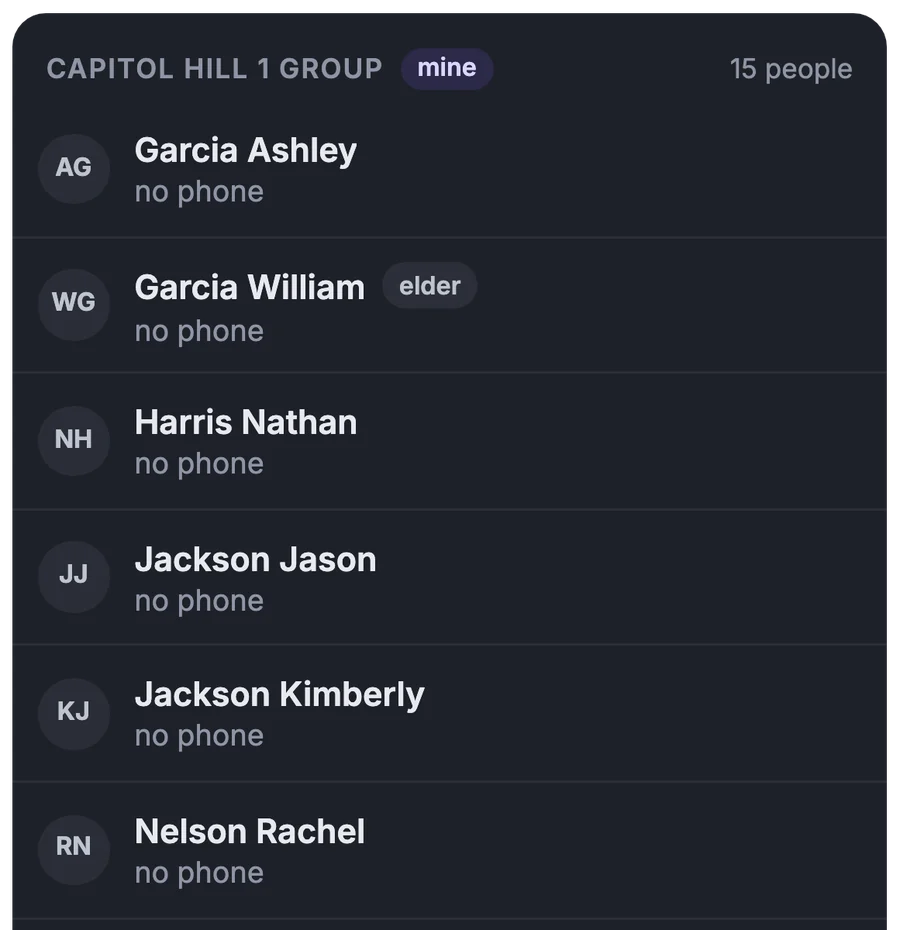
A list of people by group with contacts and privileges. The schedule then offers only those who may have a part.

More about this area

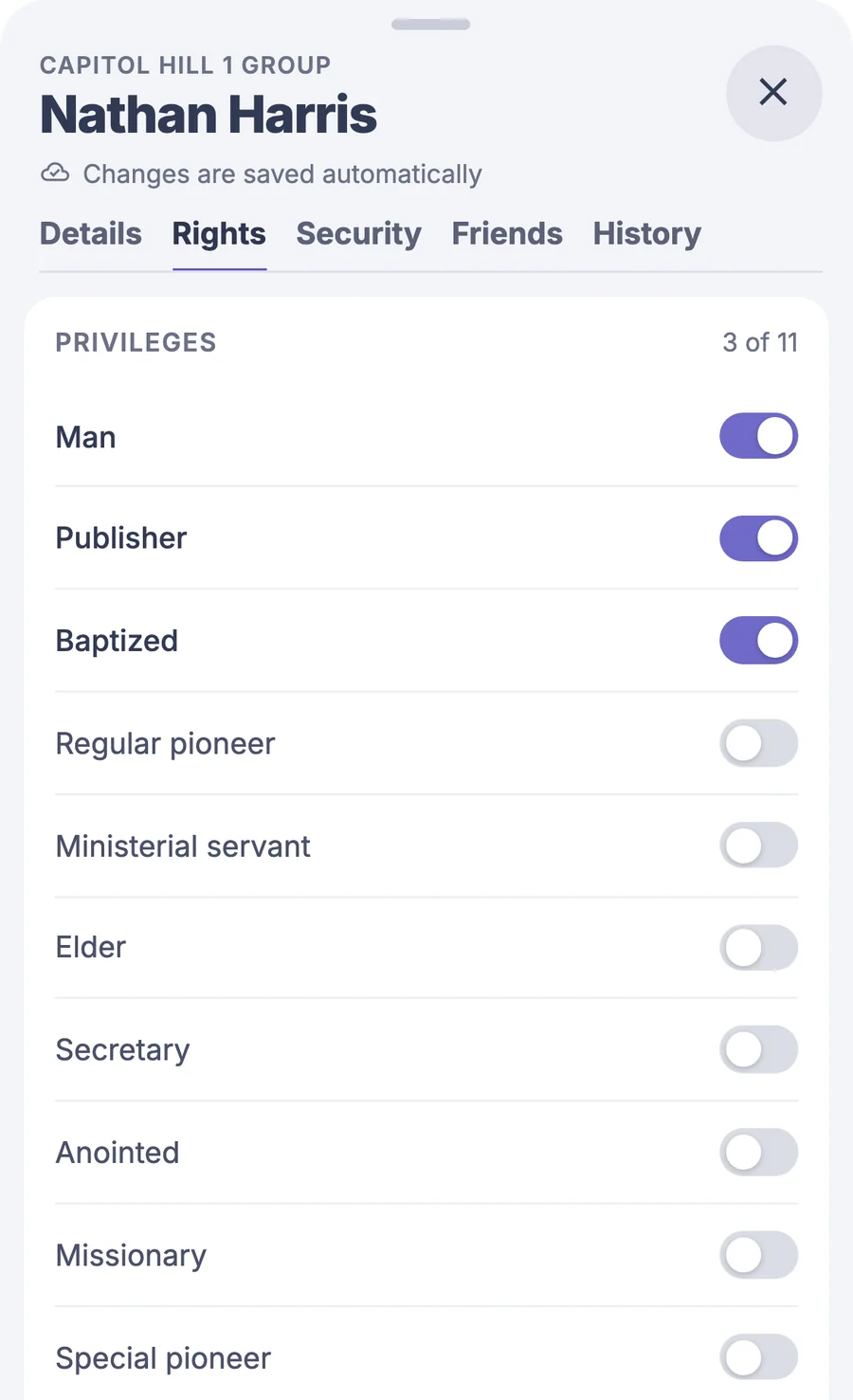
Privileges and parts with switches

For each person you turn on which parts they may have and what they see in the app.
People by group

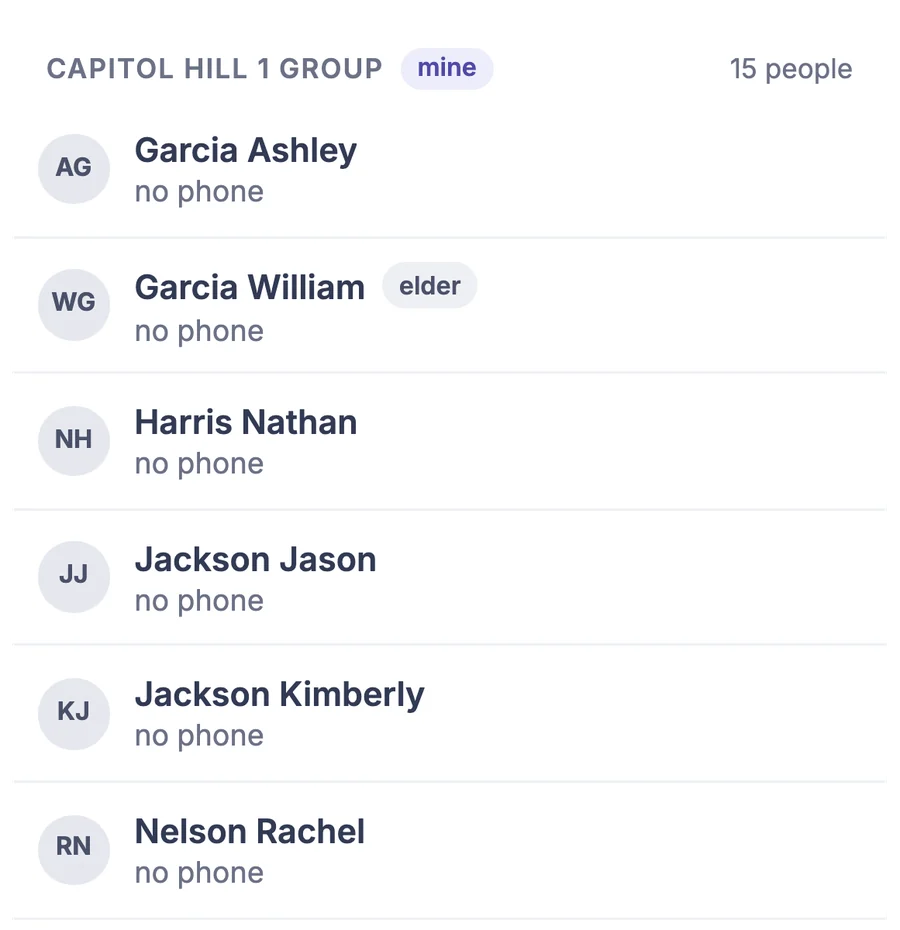
Search, filters, and contacts, and from a phone you can call right away.
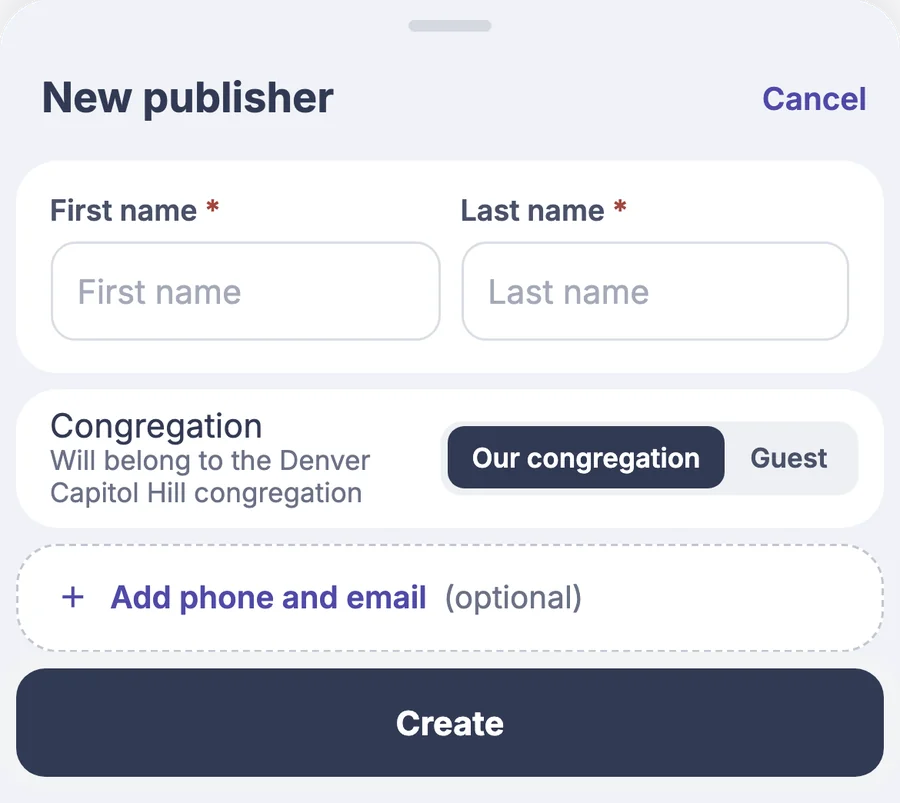
A new person with a QR code

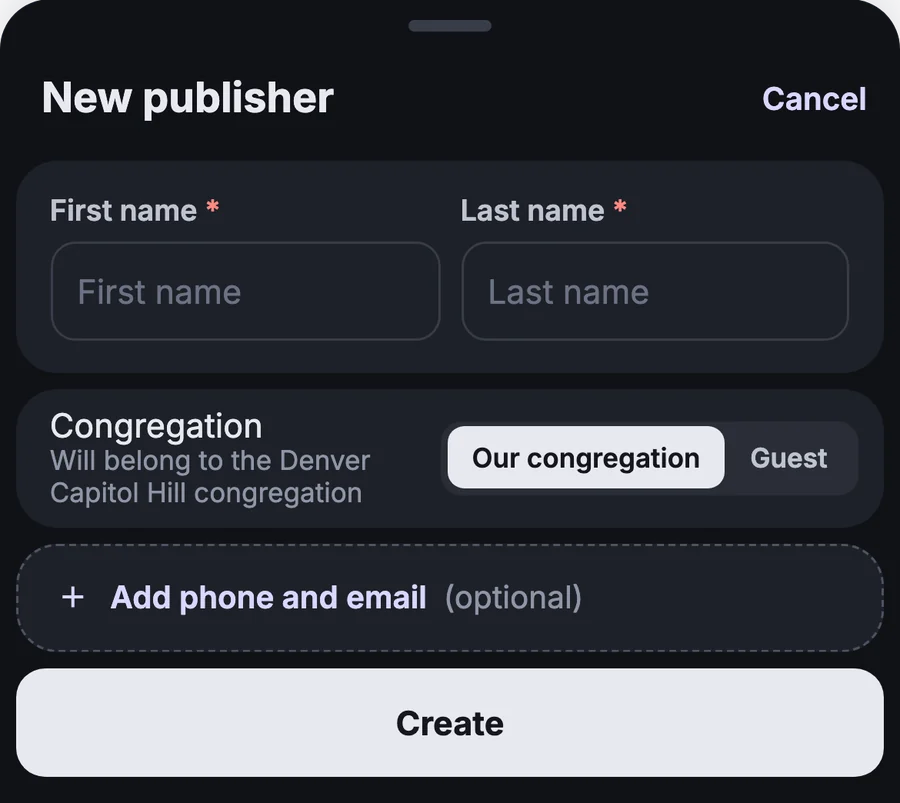
You enter a name and send a QR code or a one-time code to sign in.

  • Edit many people at onceYou edit names, phones, emails, and groups in one table.
  • Export with emergency contactsYou download a group's contacts, addresses, and emergency contacts to Excel.
  • Who changed whatThe edit history shows who changed details or privileges, and when.

Publishers

A publisher finds everything in one place

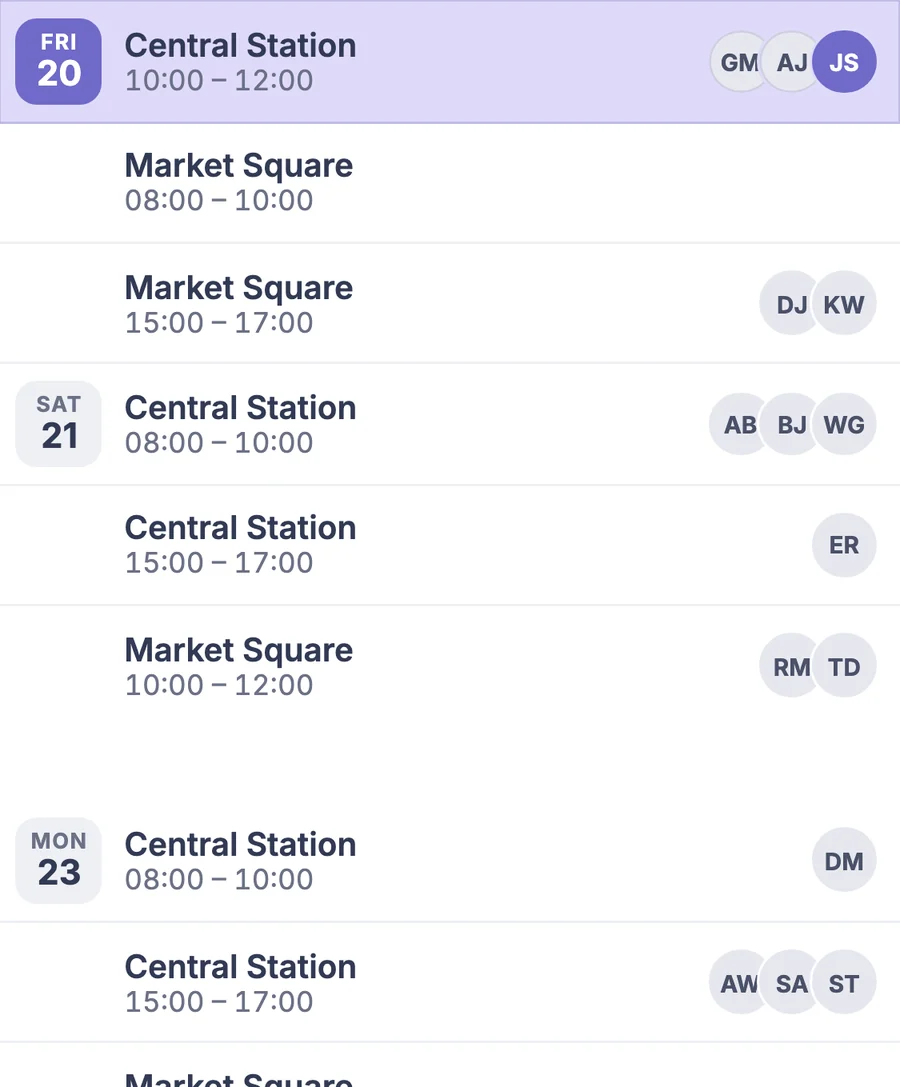
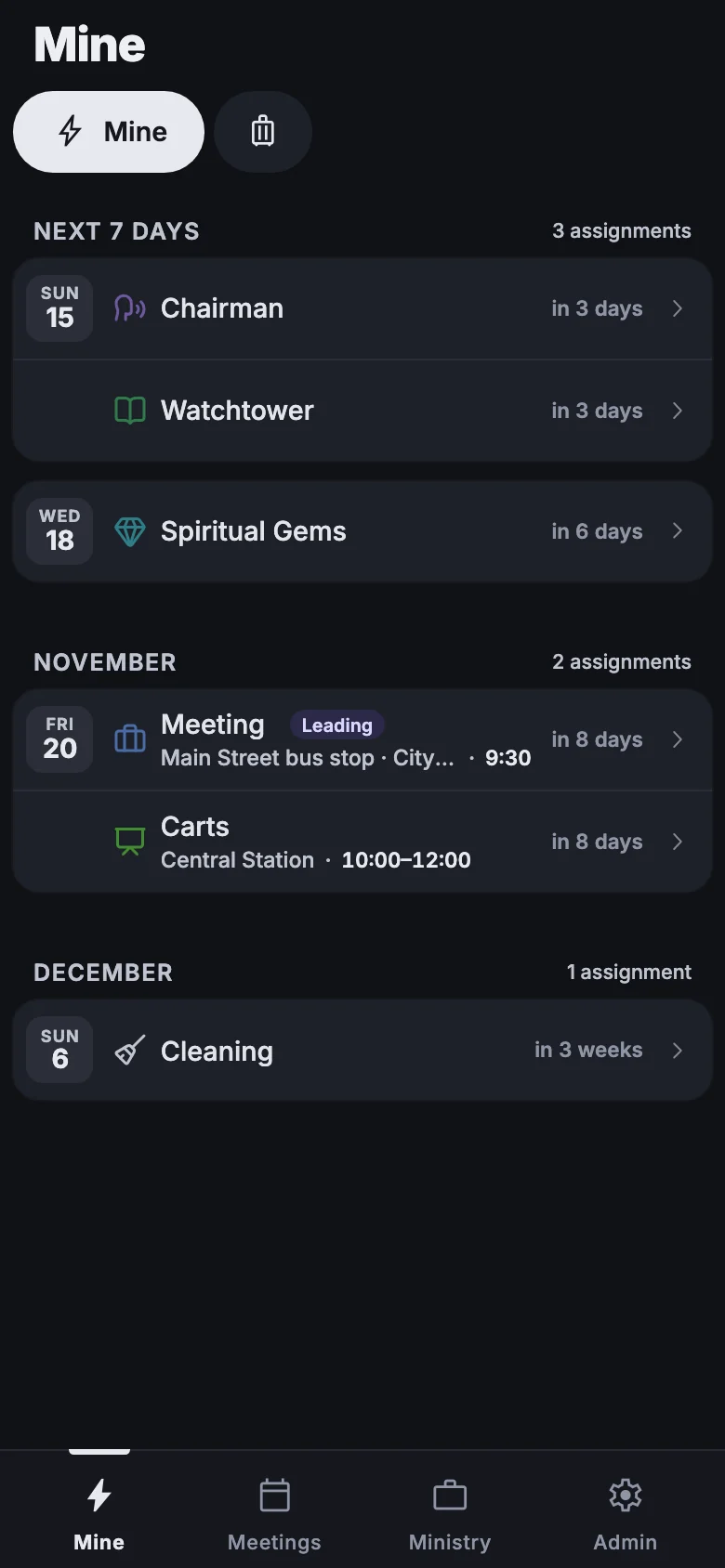
Assignments, shifts, meetings, territory, and the report open from one screen. They don't have to ask you when they have an assignment.

More about this area

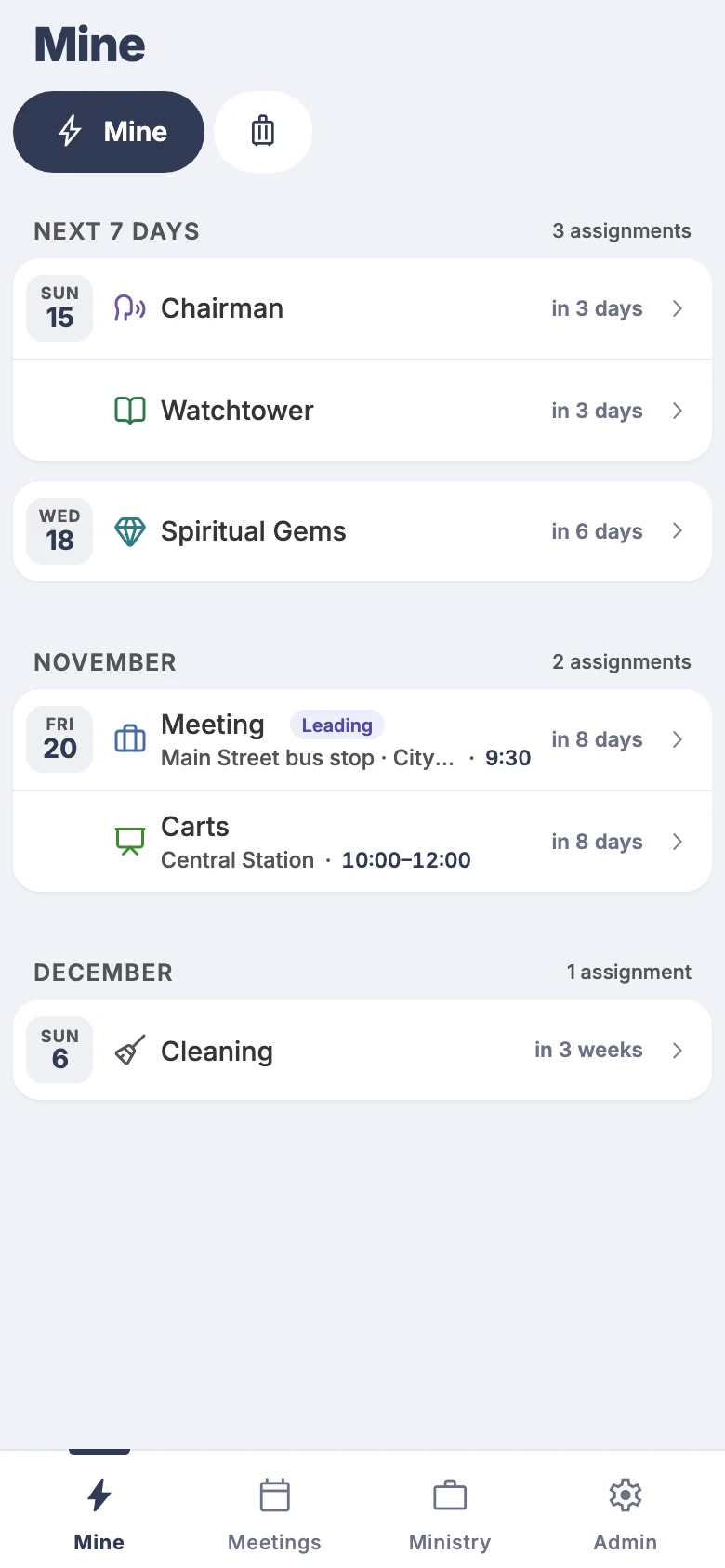
The next 7 days on opening

Today at the top, your own assignments highlighted, and a tap opens the details.
Today's time in service

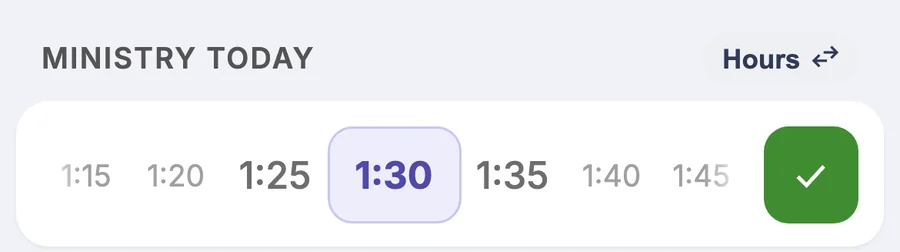
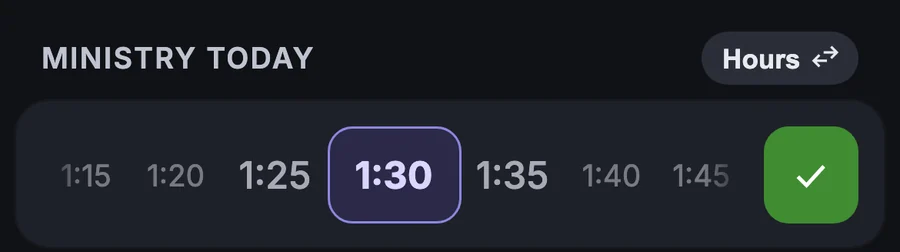
A pioneer records today's time by sliding a dial on the home screen.
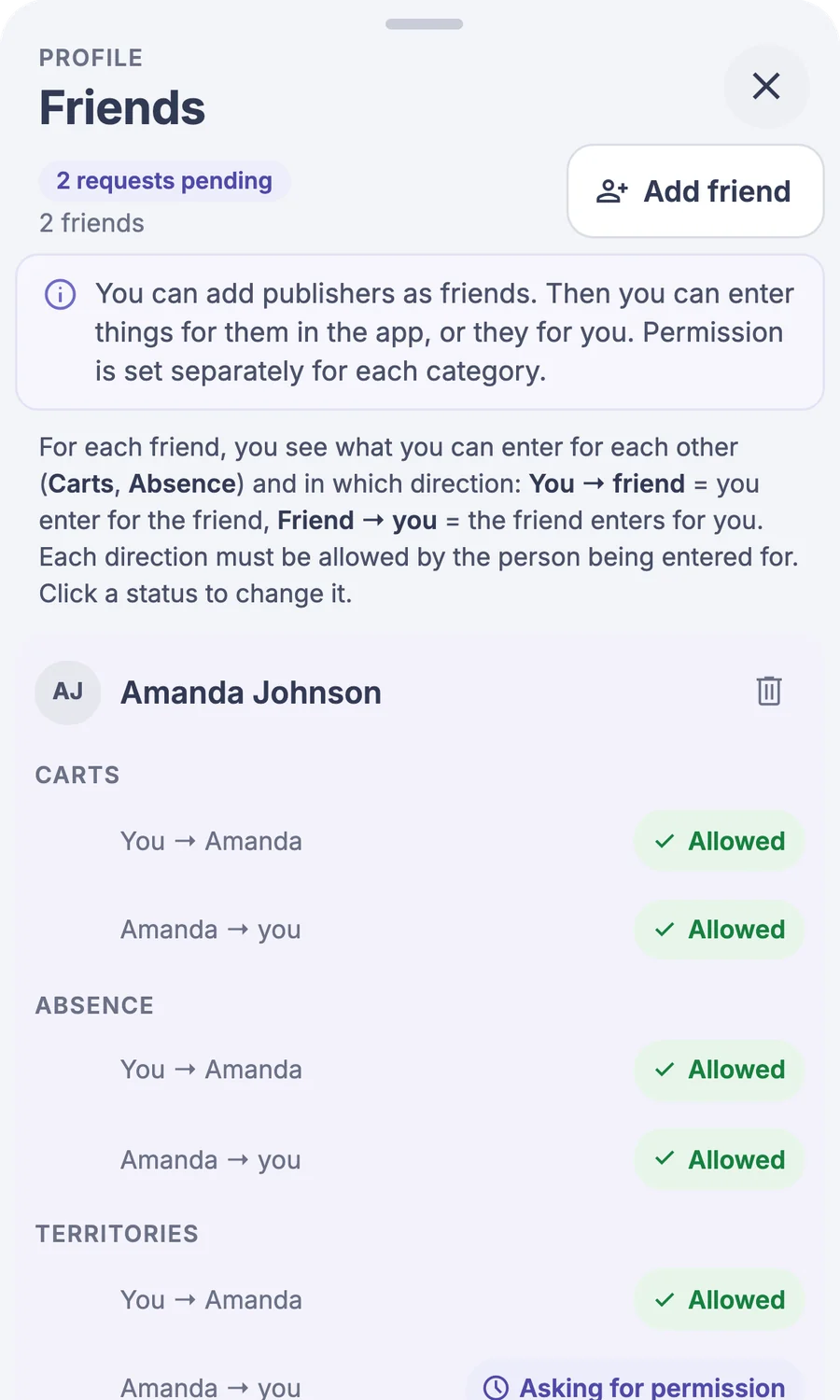
Entries for the family

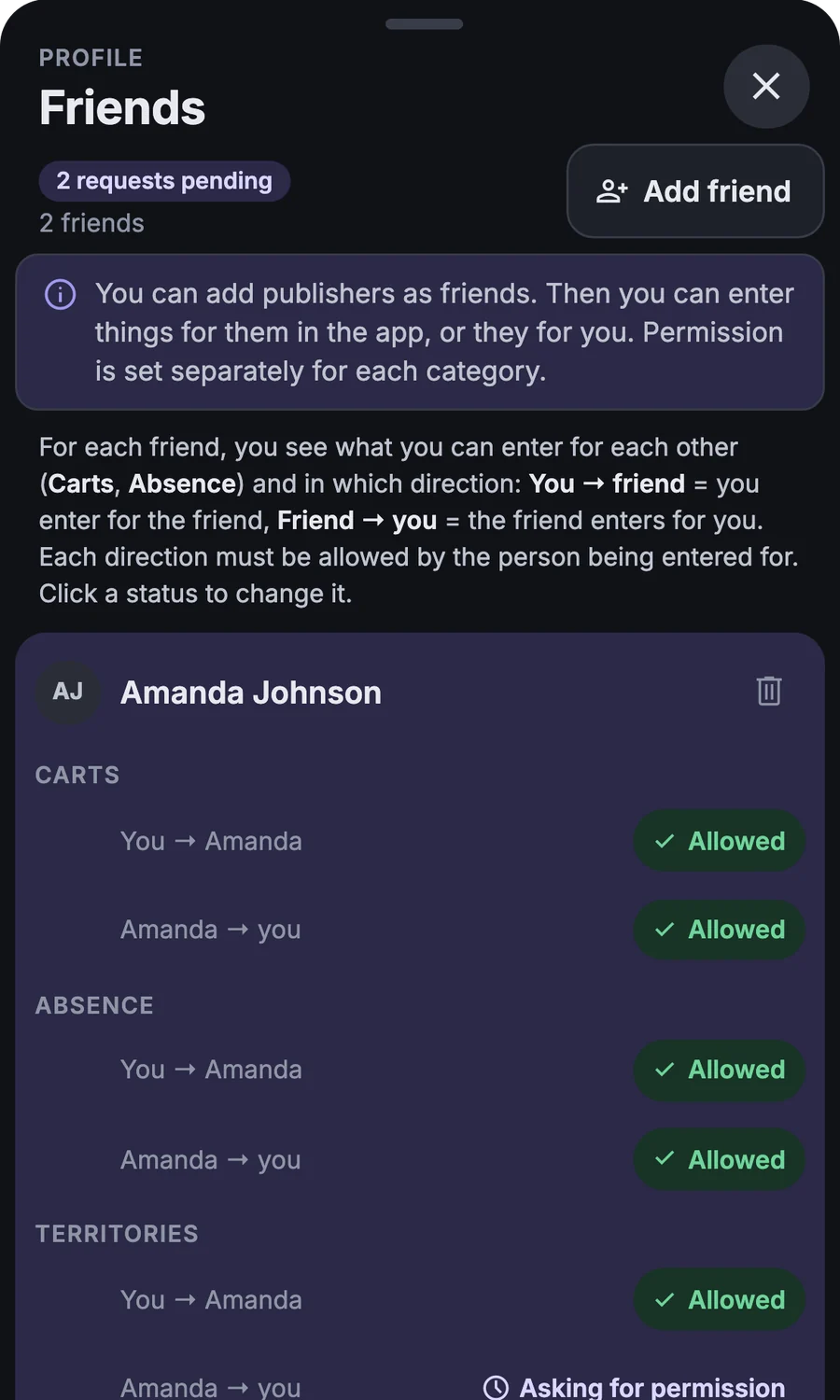
He can also record a shift or an absence for his wife or children, if they allow it.

  • Phone notificationsA reminder a week ahead and on the day of the assignment or shift.
  • What to prepareAn assignment has a description of the preparation, and a midweek meeting includes the Bible reading.
  • To Google CalendarOn a computer, he adds an assignment to his own calendar.

More

And more

  • Without signalchanges are sent once you're connected
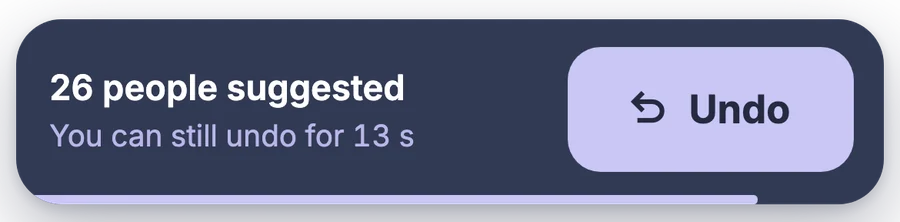
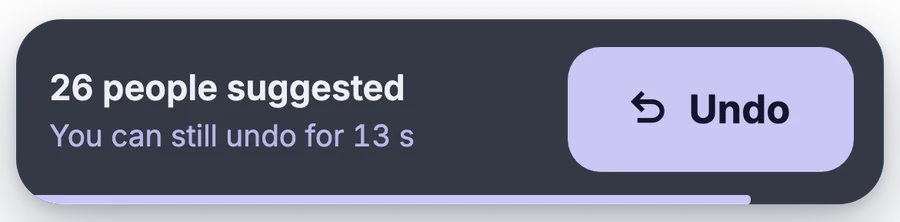
  • Undothe last step with one tap
  • Impact previewa bulk change shows in advance what will happen
  • Roles and permissionseveryone sees only what they are responsible for
  • Encrypted with the congregation keythe server can't read reports
  • Dark modeor follow the system
  • Export to Excelschedule, meetings, and the list of people
  • Sign-in with a QR codeor with a one-time code and a link
  • Home screen iconwithout the App Store and Google Play
  • Home screenMine, or straight to the schedule
  • Assignment change historywho changed it and when
  • New publisher from the scheduleyou add him right at the assignment
  • Bulk actions in territoriesoffer, move, change status
  • Printing S-13 and territory cardsfrom what is recorded in the app
  • Keyboard shortcutson a computer under the ? key
  • What's newevery new feature with a demo in the app

You don't have to start with everything at once

The schedule and reports are enough. You add territories, carts, and attendance when their turn comes.